
What the SFW switch does
SFW blurs creators’ photos and videos on most screens, so you can work in public. It only changes what you see, never what fans get.
The SFW switch sits on the right of the top bar, near your picture. SFW stands for safe for work. While it’s on, VENUZ blurs the photos and videos from your creators’ content, so you can work where other people can see your screen. This article is about VENUZ on a computer or a tablet.
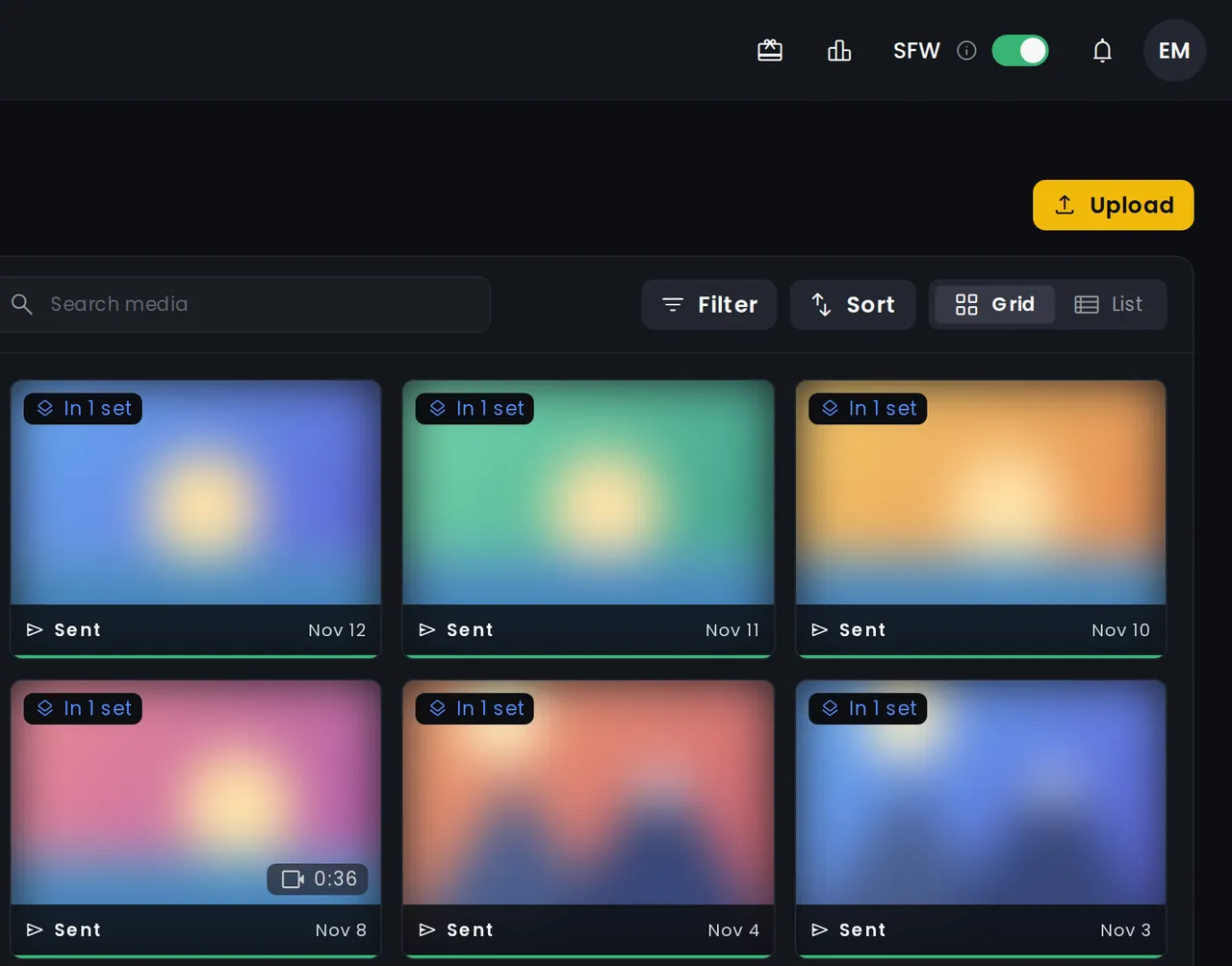
What it blurs#
With SFW on, media is blurred on the screens where you browse and pick content: Calypso Library, OF Vault, Queue, Custom content, Mass messages, the chats and galleries in the Inbox, and the full-size viewer.
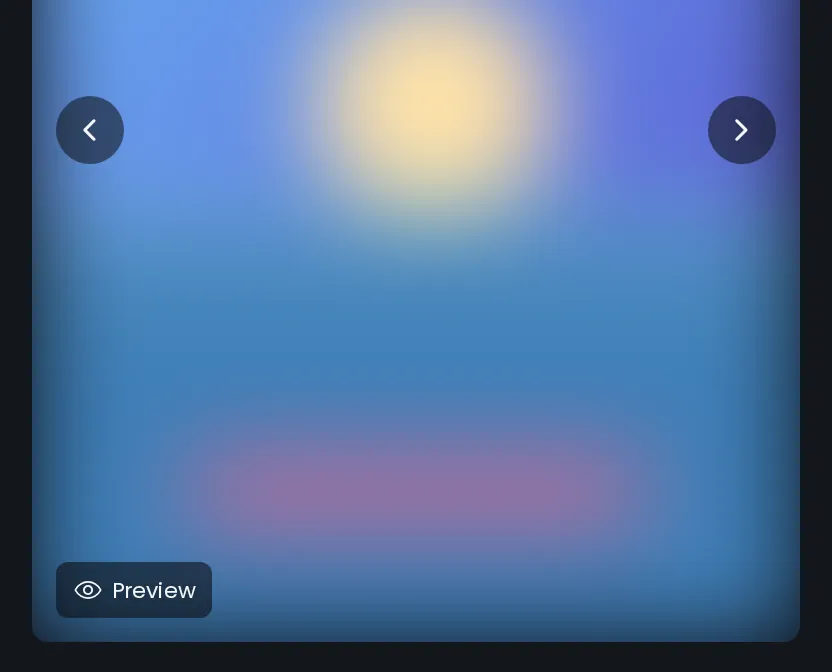
In some places you can see one photo or video without turning SFW off. Click Preview on it. On a thumbnail it’s the eye that shows when you point at it. Turning SFW off or on again blurs them again.
SFW doesn’t blur the OnlyFans pages you open in OF Browser or every picture in VENUZ. Don’t count on it to hide everything on every screen.
What it doesn’t change#
SFW only changes what you see on your own screen. It doesn’t change what Calypso or your team send to fans, and fans never see it. The media itself stays exactly as it is.
Who it applies to#
SFW is your own setting, not your agency’s. Turning it on doesn’t change it for anyone else on your team.
It’s also saved in the browser you use. On another computer, or in another browser, it keeps its own setting.
Good to know#
- SFW starts on. After you change it, it keeps the setting you left on that browser.
- To turn it off or back on, click the SFW switch in the top bar. Point at the info icon next to it for a reminder of what it does.
Where to go next
Couldn’t send that. Try again.
Still stuck?
Write to us and a person from the VENUZ team answers. Tell us the creator and what you were trying to do.