
How OF Vault is organized
OF Vault shows each creator’s OnlyFans vault as it is on OnlyFans. Media sits in OnlyFans categories, and the sets Calypso sells are built in Calypso Library.
Open Content → OF Vault and pick a creator on the left. You see her OnlyFans vault: the same files, read from OnlyFans each time you open it.
The words VENUZ uses#
These words mean different things:
- Media is each photo, video or audio file in her vault.
- A category is a list in her OnlyFans vault. Categories come from OnlyFans and show on the left, under Categories. All Media shows all of it, and Uncategorized the media in no category.
- A set is a group of media that Calypso sells together as a PPV. Sets have their own price and live in Calypso Library.
- A collection groups sets, for example by theme. Collections can sit in folders in Calypso Library.
Categories organize her OnlyFans vault. Sets and collections exist only in VENUZ, and they decide what Calypso can sell.
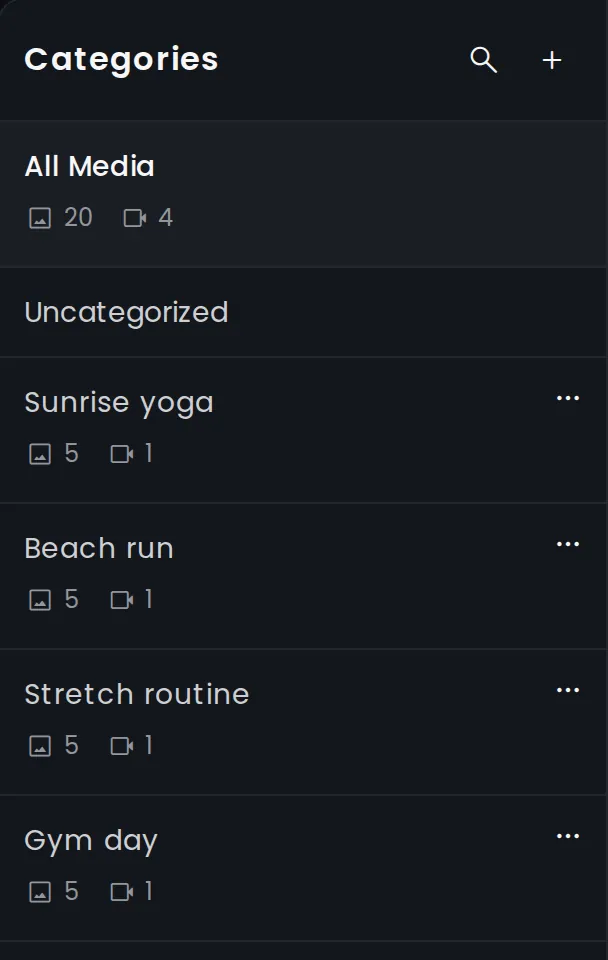
Create a category with the + button next to Categories. The ⋯ menu on a category has Rename and Delete. Deleting a category keeps its media in the vault. If your role can’t manage categories, these controls are hidden or grayed out.
What you can do in OF Vault#
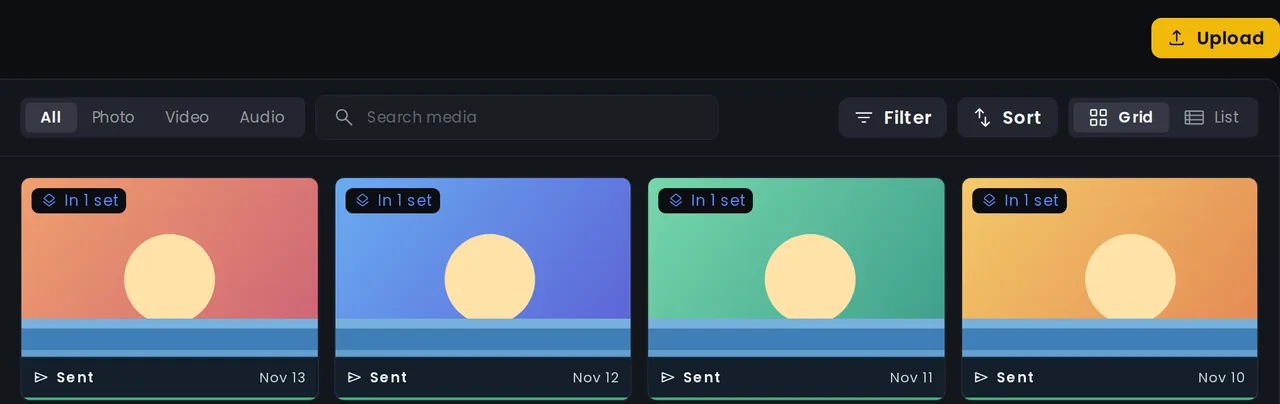
- Show one type of file with All, Photo, Video or Audio, and look for media with Search media.
- Use Filter to show media from All time or On a specific date.
- Use Sort to order by Recent, Most liked or Highest tips, and by Newest first or Oldest first.
- With On a specific date chosen in Filter, Sort switches to Recent and Newest first and the other options are grayed out.
- Switch between Grid and List.
What a photo or video tells you#
Click a photo or video to open its details:
- Details: its Type and Upload time. Size and Uploaded by are listed too, but they show a dash (—).
- Sellable in Calypso Library: the Sets it’s in. Use Add to a set… to add it to one. Captions and prices belong to each set, so you change them in Calypso Library.
- Categories: the OnlyFans categories it’s in.
- Tagged creators: the people tagged in it.
- Usage: whether it’s Posted to OnlyFans or Not posted to OnlyFans. Once VENUZ has loaded its usage, it also shows Times sent and whether it’s Sellable in some sets or Not in a sellable set yet.
Calypso’s regular offers come from sets, so media in no set isn’t offered. Custom content orders are the exception: Calypso delivers the media chosen for that order, in a set or not.
If a photo or video can’t be sent, its tile says why, such as OnlyFans rejects this file — re-upload it. See Why Calypso isn’t sending your media.
Deleting media#
Click Delete from vault in its details. If your role can’t delete content, the button is grayed out. VENUZ asks Delete this media? and explains: "This permanently hides the media on OnlyFans — there’s no way to undo it. It stays visible here, in Deleted content, as a record, and Calypso can no longer sell it to fans." Click Delete to go ahead or Go Back to keep it.
In Calypso Library, deleted media shows under Deleted in the Filter menu.
Instead of her media, OF Vault says her OnlyFans account is disconnected. Click Manage connection to reconnect it.
The first time you turn Calypso on for her, her Calypso Library needs enough sets ready to sell. Checklist: before Calypso starts says how many.
Where to go next
Couldn’t send that. Try again.
Still stuck?
Write to us and a person from the VENUZ team answers. Tell us the creator and what you were trying to do.