
Why a set isn’t ready to sell yet
Open the set in Calypso Library. Its status list says what’s missing, such as paid content, a price, or Calypso still reading.
A set in Calypso Library isn’t on sale yet, or its status list still shows a line that isn’t done. Open Content → Calypso Library, pick the creator and click the set to open it. If your role can organize the vault, a list under the set’s media shows what’s still missing. A set that’s ready doesn’t show it.
What to check#
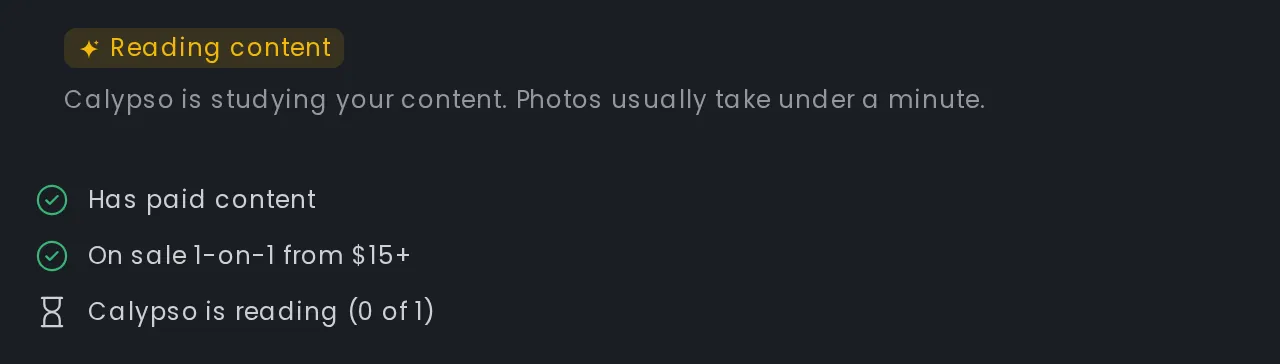
- Calypso is reading, with how much media it has finished, and Reading content on the set. Calypso is still reading the media. The set says Photos usually take under a minute. or Videos can take a few minutes. Wait. There’s nothing to do.
- Goes on sale automatically when Calypso finishes reading. You put the set on sale while Calypso was reading. It goes on sale by itself when Calypso is done. If you turned it on more than 10 minutes ago, the set adds This is taking longer than usual to the line under it. VENUZ keeps reading. If it doesn’t move after a while, contact us.
- Calypso couldn’t read some media, and Couldn’t read on the set. The set also shows a notice that starts with Calypso can’t see, with the reason for each one, such as too large or a GIF. This doesn’t stop the set: Calypso sells this set with what it can see. If Retry appears, click it. See How Calypso reads your content.
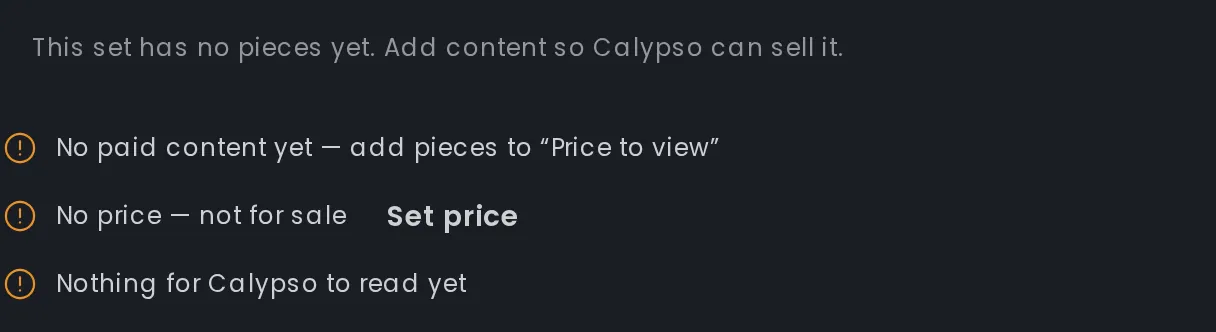
- No paid media yet — add some to “Price to view”. No paid media is available in the set. Either they’re all in Free preview, the set is empty, or its paid media is unavailable. Drag at least one photo or video to Price to view. Calypso doesn’t sell a priced set without paid media.
- No price — not for sale. The set has no 1-on-1 price. A set starts this way if its price was left empty when it was created, or if whoever created it can’t set prices. Click Set price, type a 1-on-1 minimum price and click Save.
- Not on sale. The set has a price, but neither channel is on. Click Put on sale and then Save.
- Nothing for Calypso to read yet. The set has no media. Select media in the content grid and click Add to set, or drag them onto the set.
- Loading content… or Checking what Calypso has read… VENUZ is still loading the set. Wait a moment. Calypso status unavailable means VENUZ couldn’t read the status. Reload the page and, if it stays, contact us.
If the set shows Needs attention with a reason, such as Media unavailable or Caption rejected, see Why Calypso isn’t sending your media.
When you contact us, include the creator, the set and what its status list shows.
Where to go next
Couldn’t send that. Try again.
Still stuck?
Write to us and a person from the VENUZ team answers. Tell us the creator and what you were trying to do.