
Send a mass message
Write one message and send it on OnlyFans to the lists you pick, now or at a time you choose. You confirm before anything goes out.
Before you start
- Who can do this
- Owners and Admins, or anyone with the Send mass messages permission
- You need
- The creator’s OnlyFans account connected
- Works on
- A computer or a tablet
Open a new message#
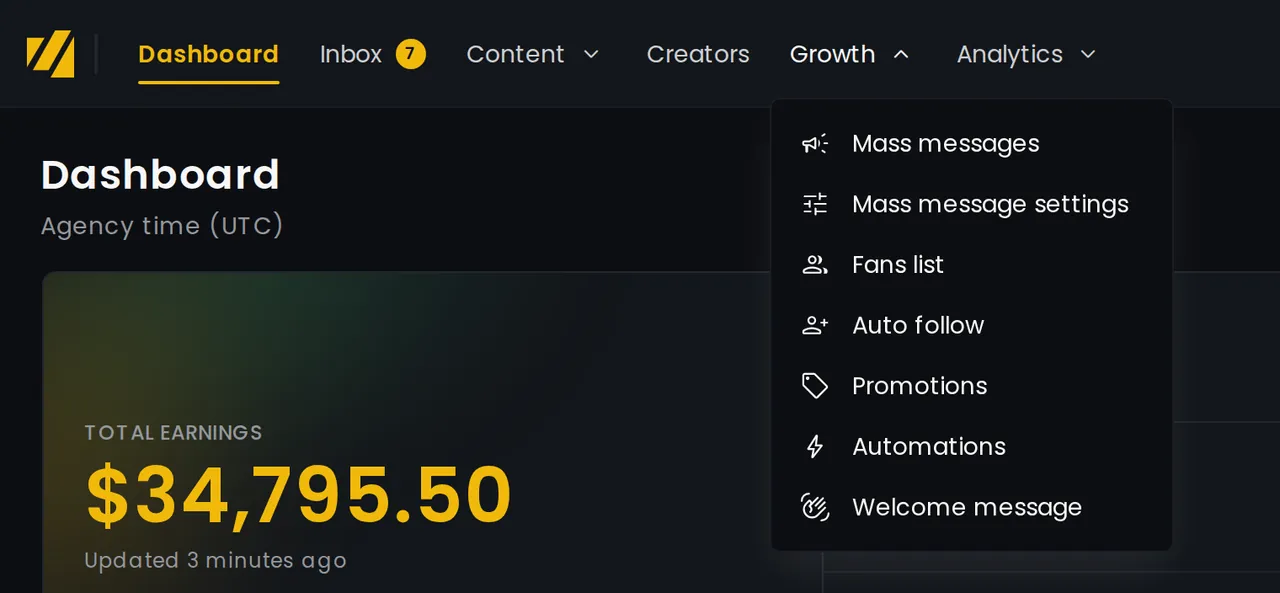
- In the top bar, open Growth → Mass messages.
- Pick the creator in the list on the left.
- Click New message.The New mass message panel opens.
Choose who gets it#
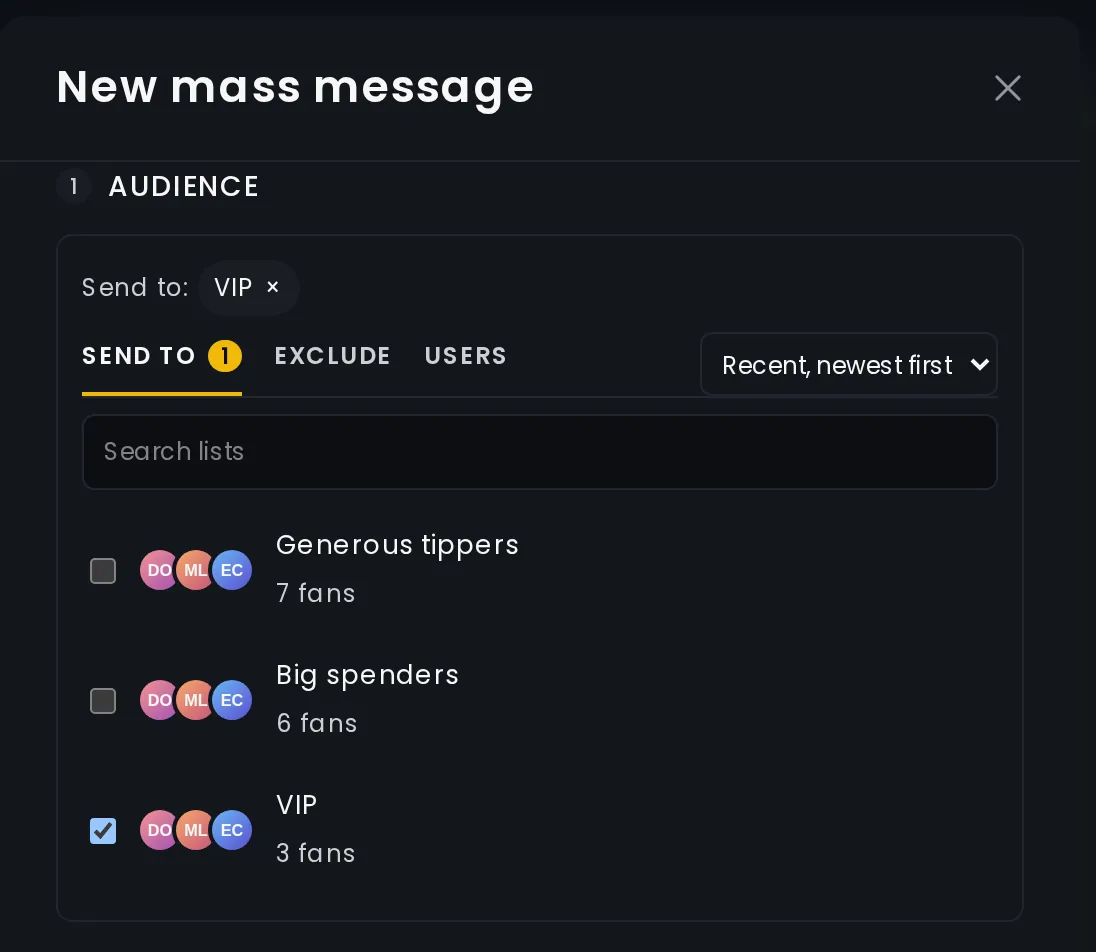
- Under Audience, the Send to tab shows her OnlyFans lists, in the same order as on OnlyFans.Type in Search lists to find one.
- Pick a list. You can pick more than one.What you pick shows above the tabs.
- To skip some fans, pick lists in the Exclude tab.Fans in those lists don’t get the message.
Write it and choose when it goes out#
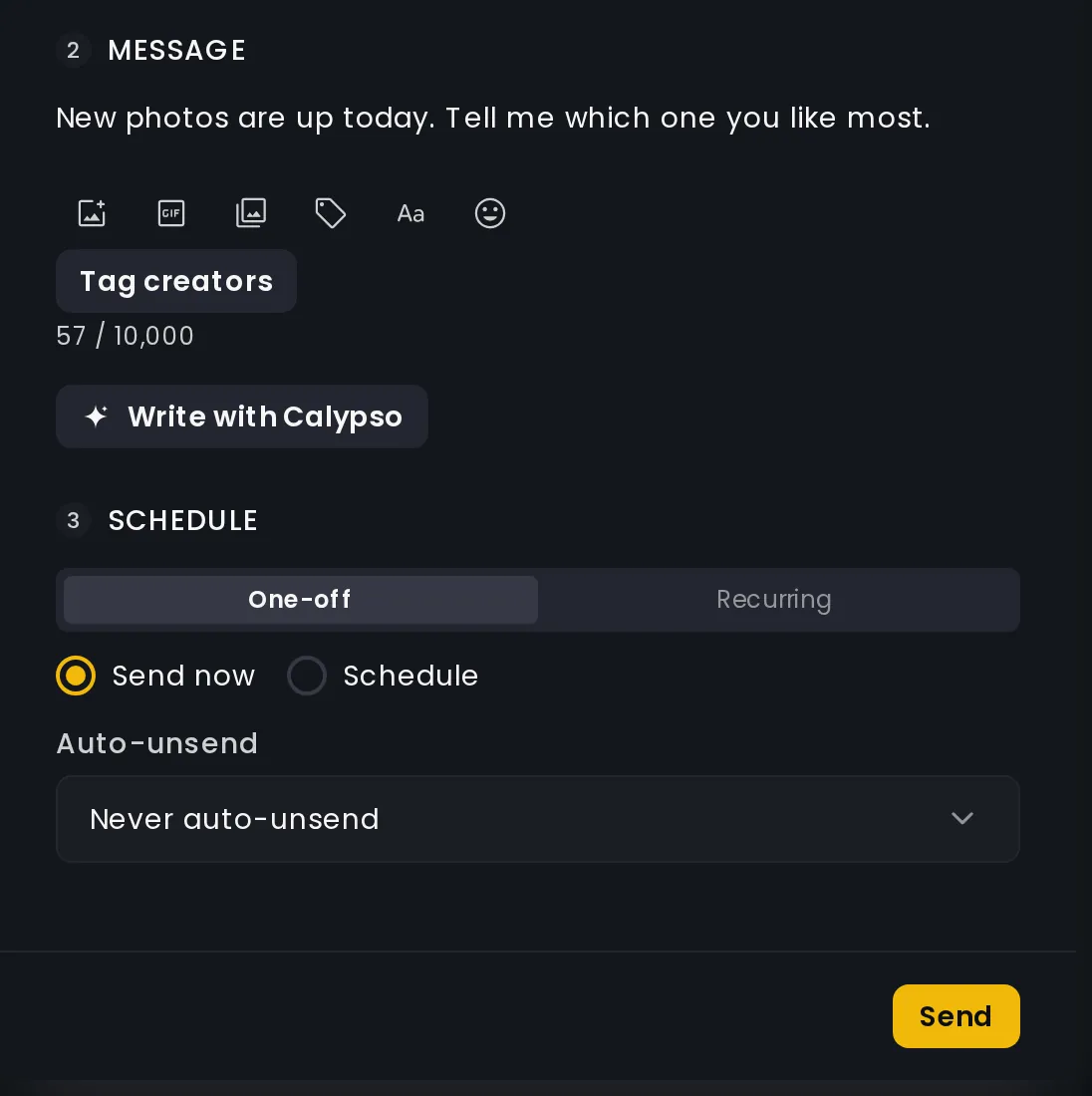
- Under Message, write the text, up to 10,000 characters.Or click Write with Calypso to get a draft.
- Under Schedule, make sure One-off is selected. Then choose Send now, or Schedule to pick a date and time.
- To remove it from fans’ chats later, choose a time in Auto-unsend, up to 23 hours.Never auto-unsend keeps it.
Check it and send#
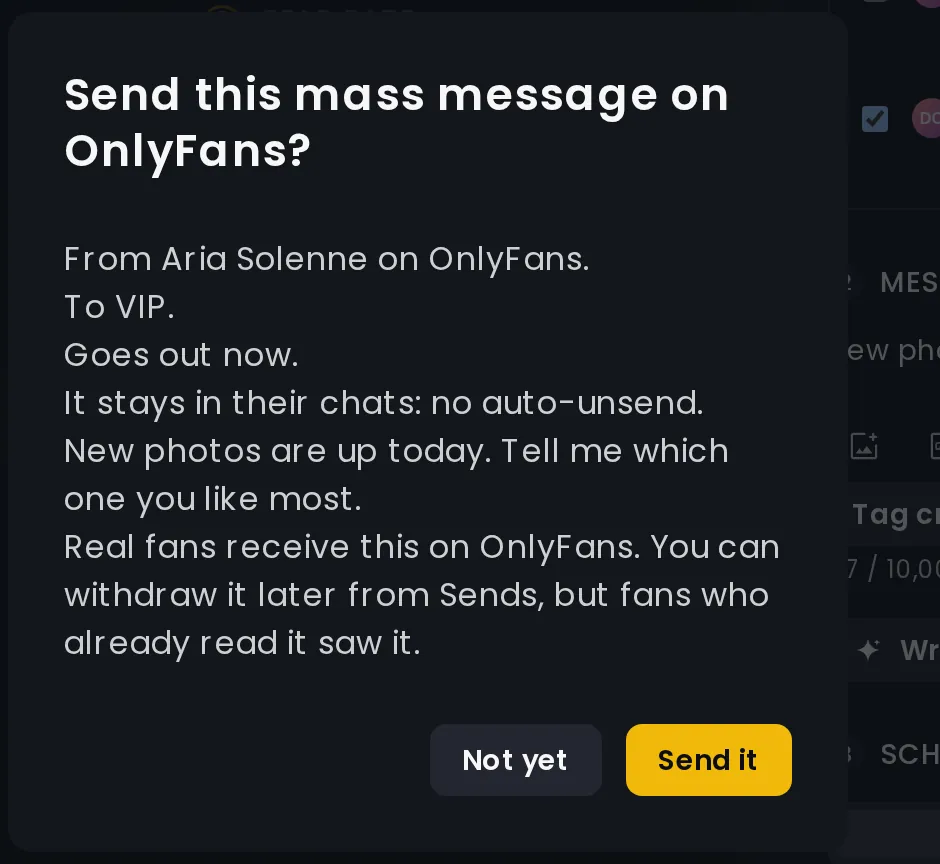
- Click Send.Nothing goes out yet: VENUZ shows who it goes to, when, and the exact text.
- Click Send it to send it on OnlyFans, or Not yet to go back and change it.
After you send it#
After you send it, the message shows in Sends. A scheduled one shows there as Scheduled until it goes out.
VENUZ says it may have gone out. Check Sends before you send it again.
The panel names the time zone under Schedule. When you schedule, the buttons say Schedule and Schedule it.
Common questions#
Take back a message you already sent
Open its menu in Sends and choose Unsend. Fans who already read it saw it. To stop a scheduled one, choose Cancel send.
The panel says “New mass message automation”
New message opens in the mode you used last. Switch to One-off under Schedule.
A list is still filling in
VENUZ warns you above the tabs. Sent now, the message reaches only the fans already on that list.
Reach only fans who subscribed from a certain day
Pick Recent and choose the day under Subscribed on. Recent can’t be combined with other lists, and it sends text only, with no media, price or schedule.
Message specific fans instead of lists
In the Users tab, type at least 3 letters to find fans. With two or more, VENUZ asks you to confirm how many get it.
Change the order of her lists
Sort, next to the tabs, changes the order of her lists on OnlyFans too. It needs the Manage lists permission.
Send the same message again on a schedule
Recurring sends a message again on a schedule. It needs the Automate mass messages permission.
Where to go next
Couldn’t send that. Try again.
Still stuck?
Write to us and a person from the VENUZ team answers. Tell us the creator and what you were trying to do.