
How can we help?
Guides and short videos for running your creators with VENUZ and Calypso.
/
New to VENUZ? Start here
Get started in 5 guides
Browse by topic
54 guides · 14 videos
Connecting accounts
Connect your creators’ OnlyFans accounts and keep them connected.
- Connect a creator’s OnlyFans account
- Reconnect an account that shows Disconnected
- Complete OnlyFans’ face check
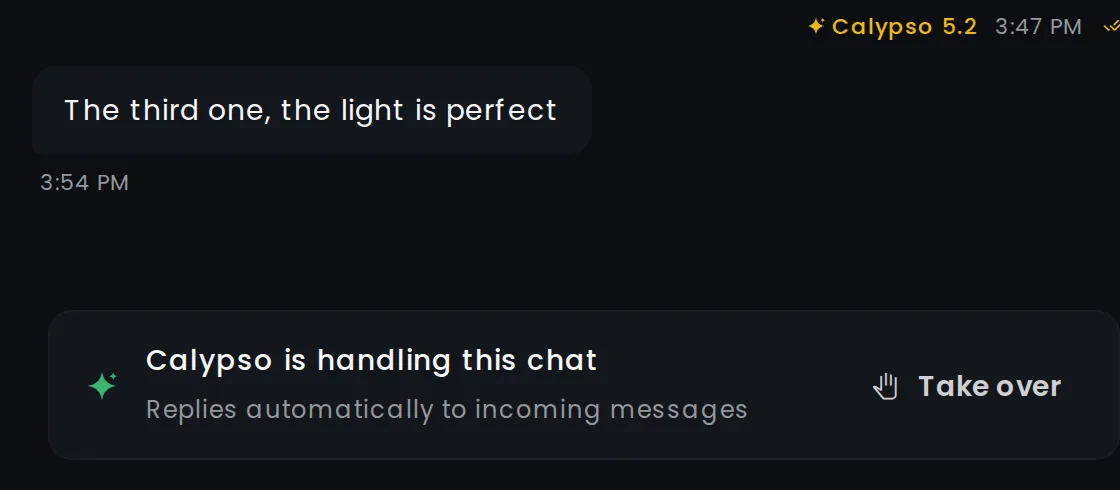
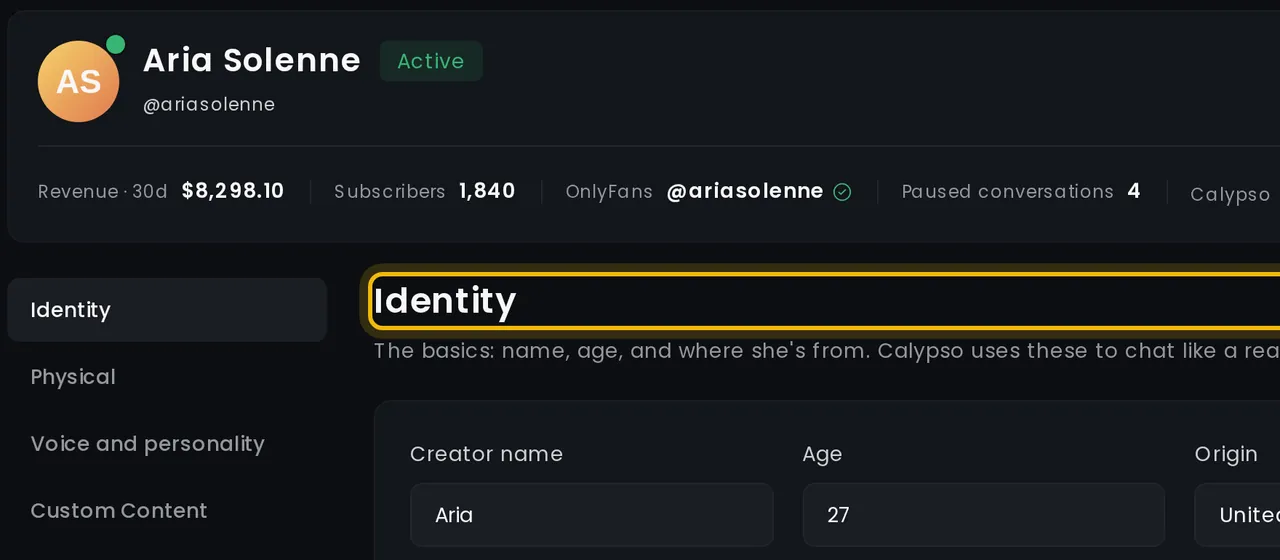
Creators
Set up each creator so Calypso sounds like her and sells your way.
- Set up a creator so Calypso sounds like her
- Set prices and minimums Calypso respects
- Checklist: before Calypso starts
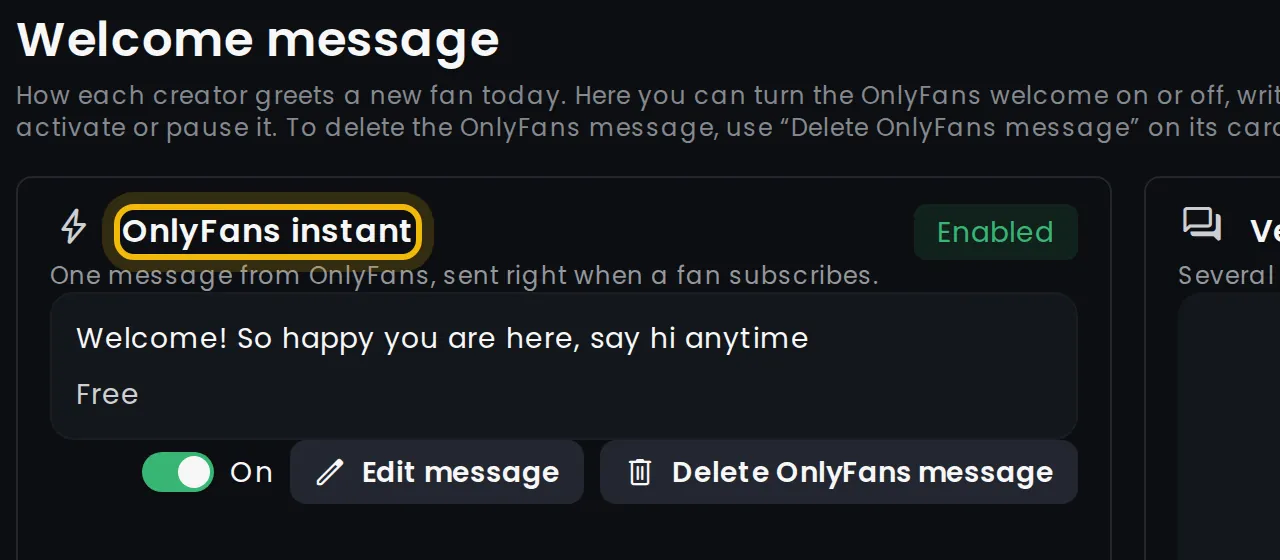
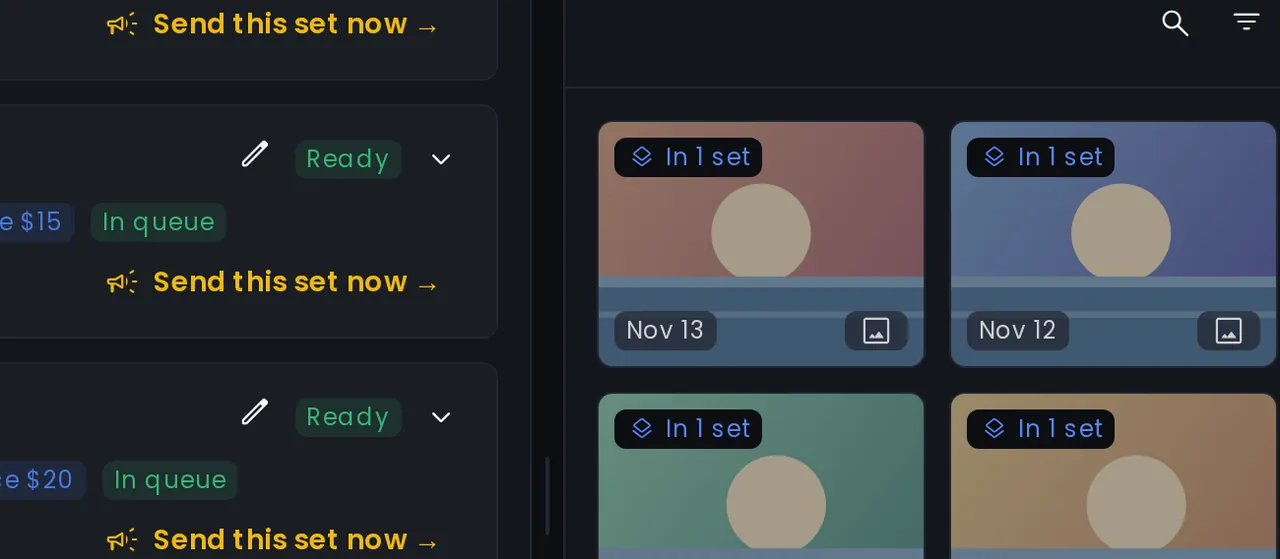
Content and OF Vault
Organize your media so Calypso knows what it can send and sell.
- Build the sets Calypso sells
- Tag the creators who appear in your media
- Why a set isn’t ready to sell yet
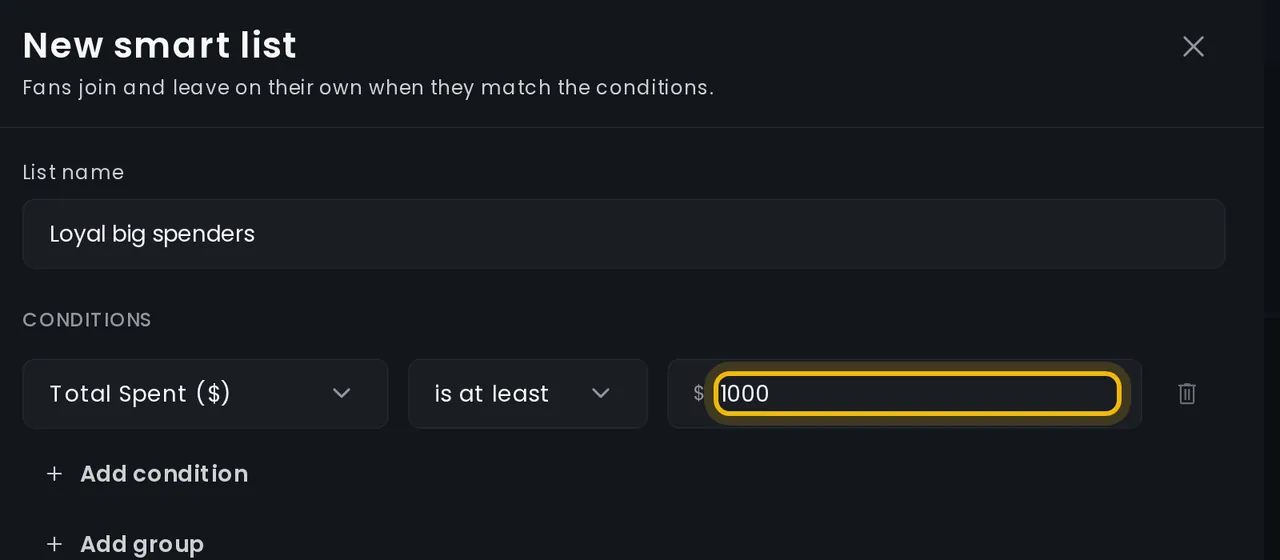
Videos
Short videos, about a minute eachAll 14 videos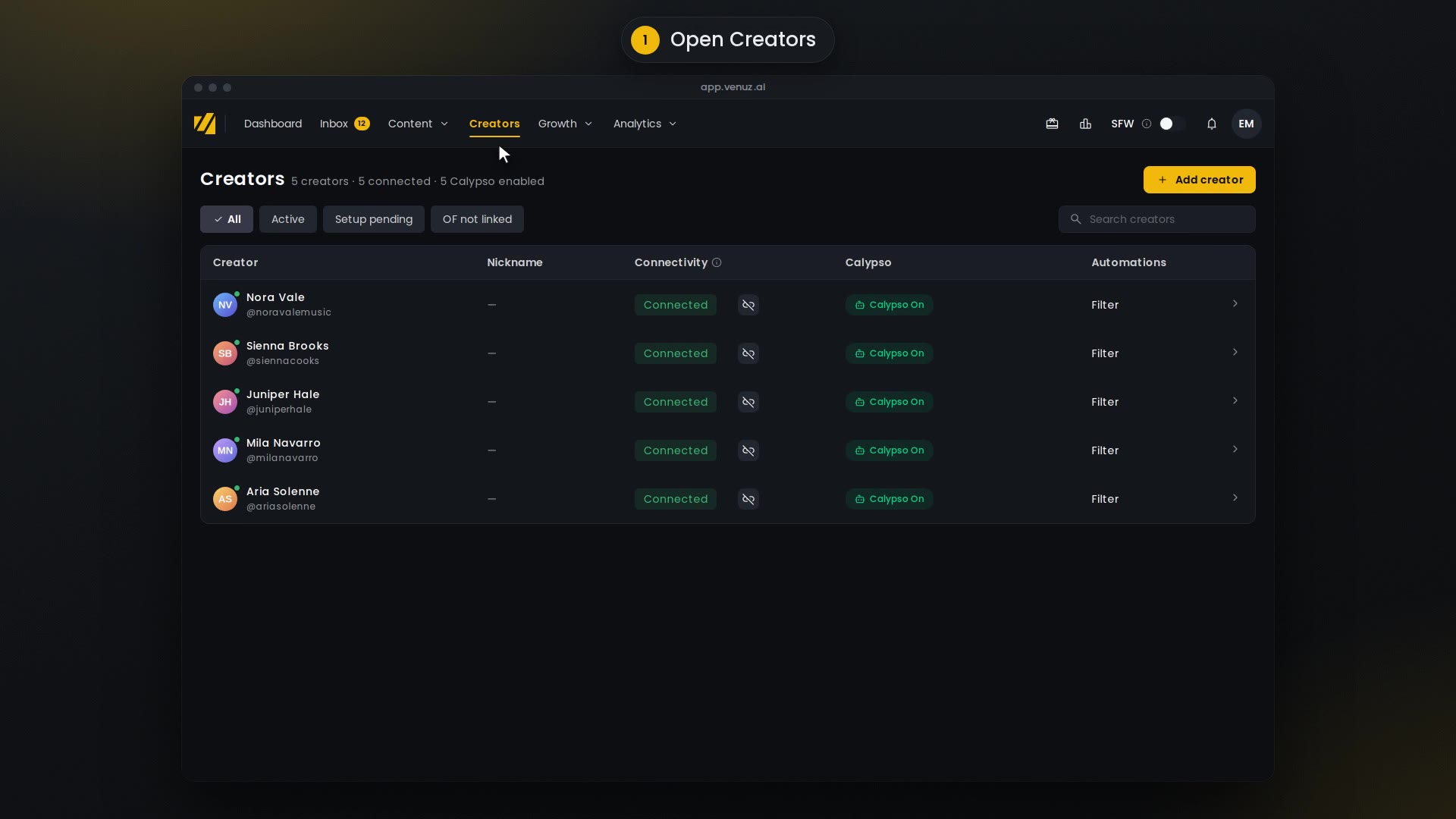
0:26
Connect a creator’s OnlyFans account
Connect a creator’s OnlyFans accountConnecting accounts · 0:26 · captions
Read the guide 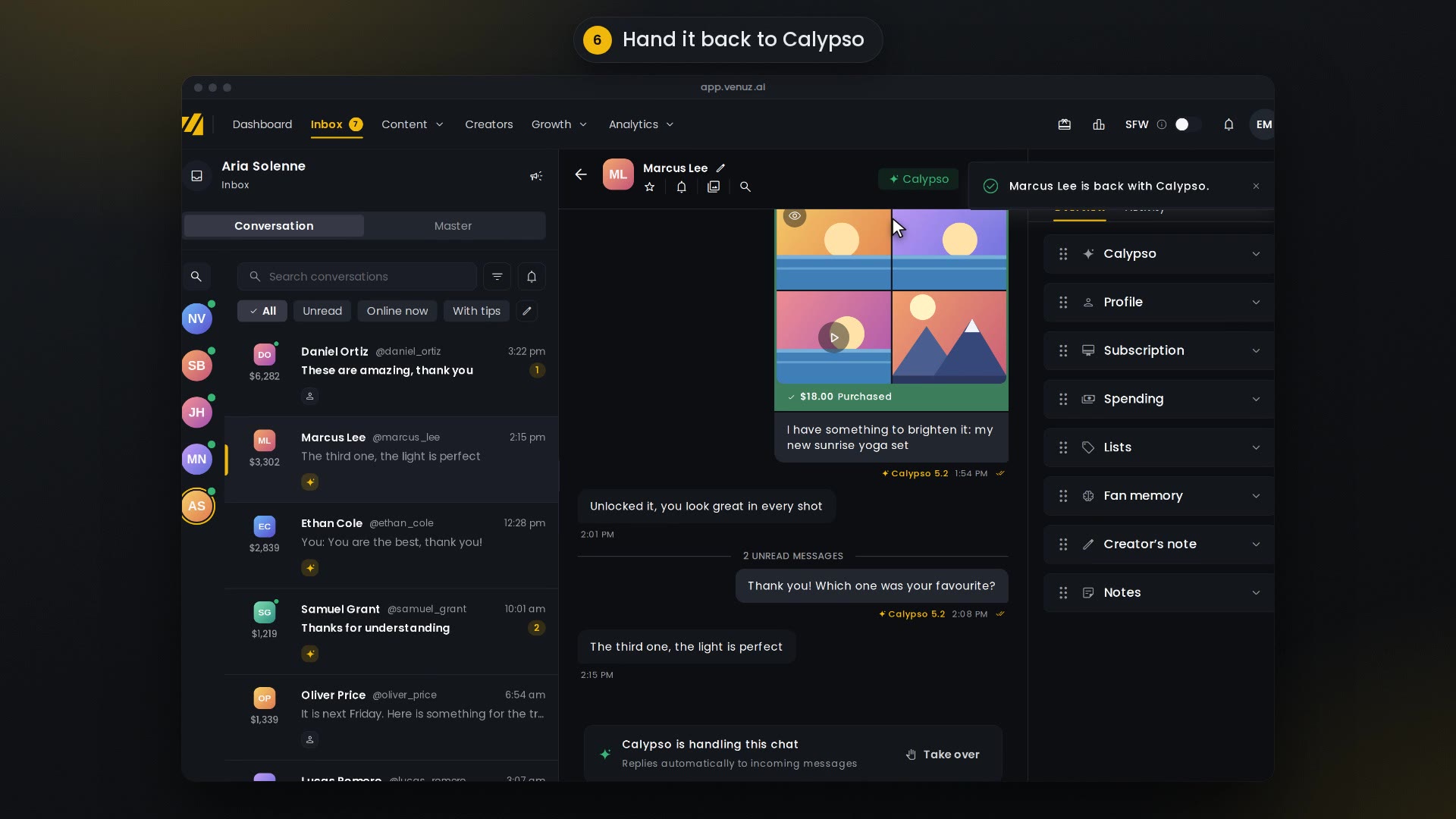
0:34
Take over a chat and hand it back
Take over a chat and hand it backInbox and Calypso · 0:34 · captions
Read the guide 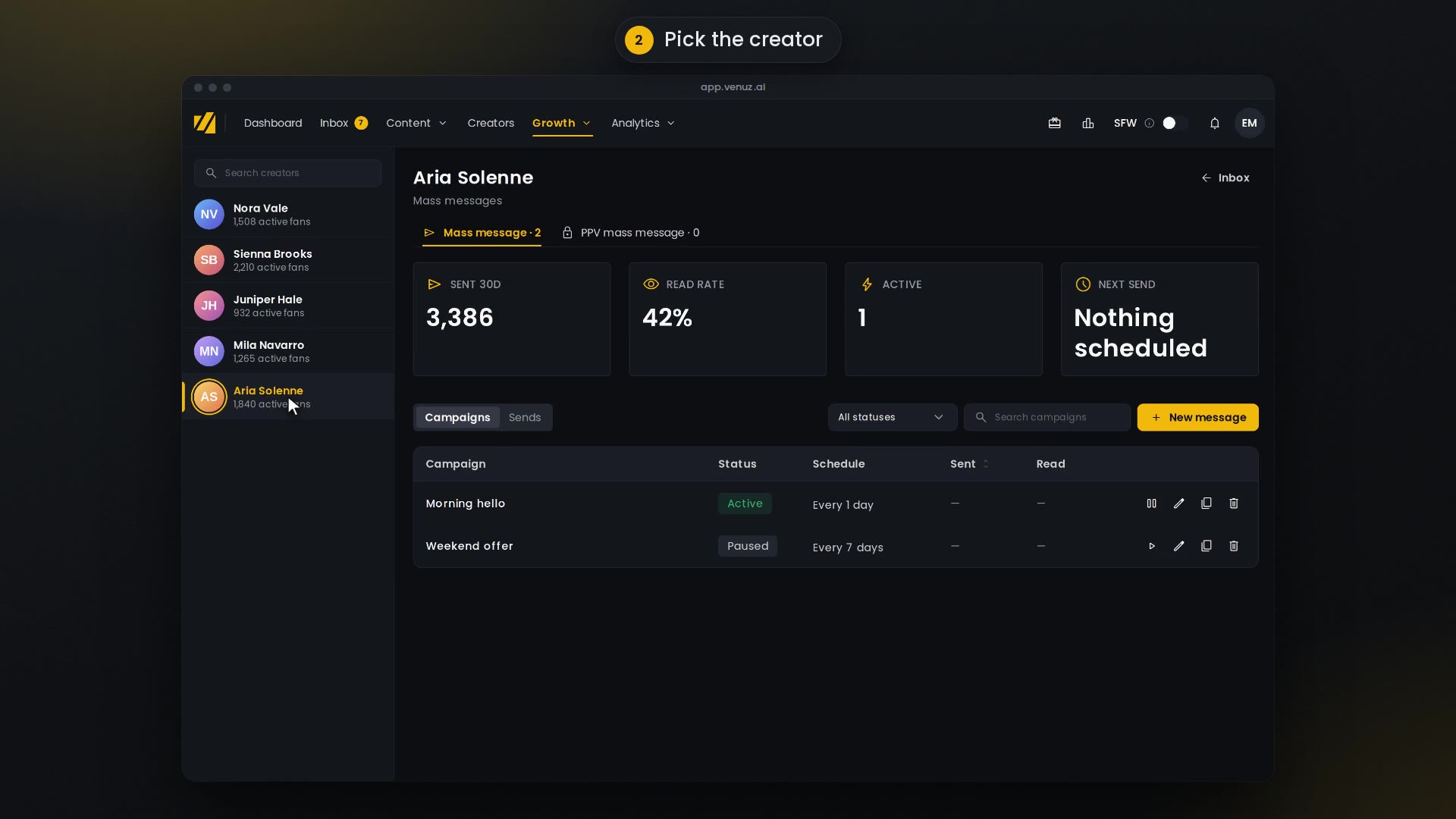
1:08
Send a mass message
Send a mass messageGrowth · 1:08 · captions
Read the guide 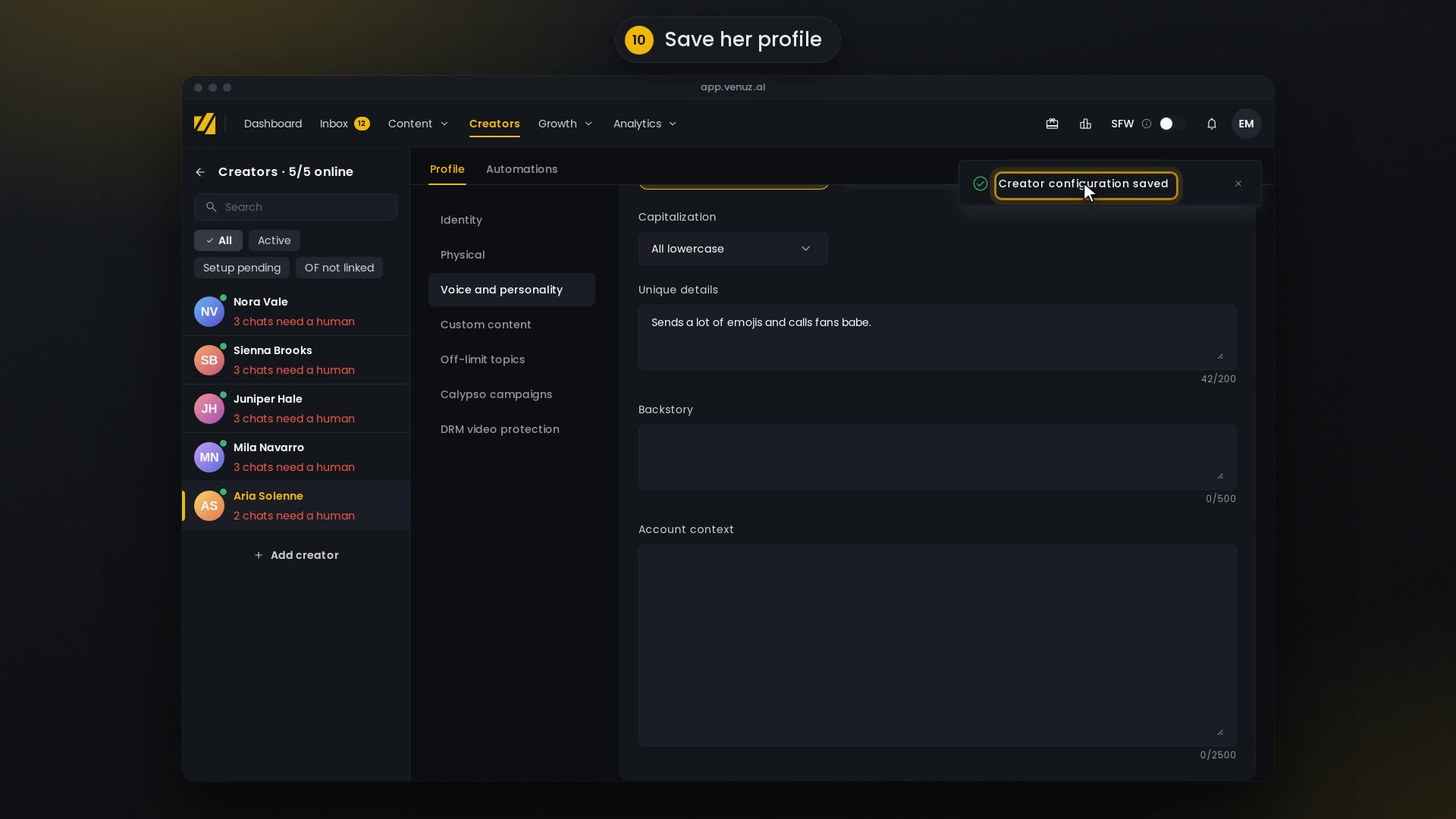
0:58
Set up a creator so Calypso sounds like her
Set up a creator so Calypso sounds like herCreators · 0:58 · captions
Read the guide Still stuck?
Write to us and a person from the VENUZ team answers. Tell us the creator and what you were trying to do.