
Schedule posts in the Queue
Pick a day in the Queue, write the post, add photos or videos from the vault and save. It goes out on her OnlyFans feed at the time you chose.
Before you start
- Who can do this
- Owners and Admins, or anyone with the Manage the queue permission to add and edit posts, View the queue to see the calendar and View vault to pick media
Pick the day#
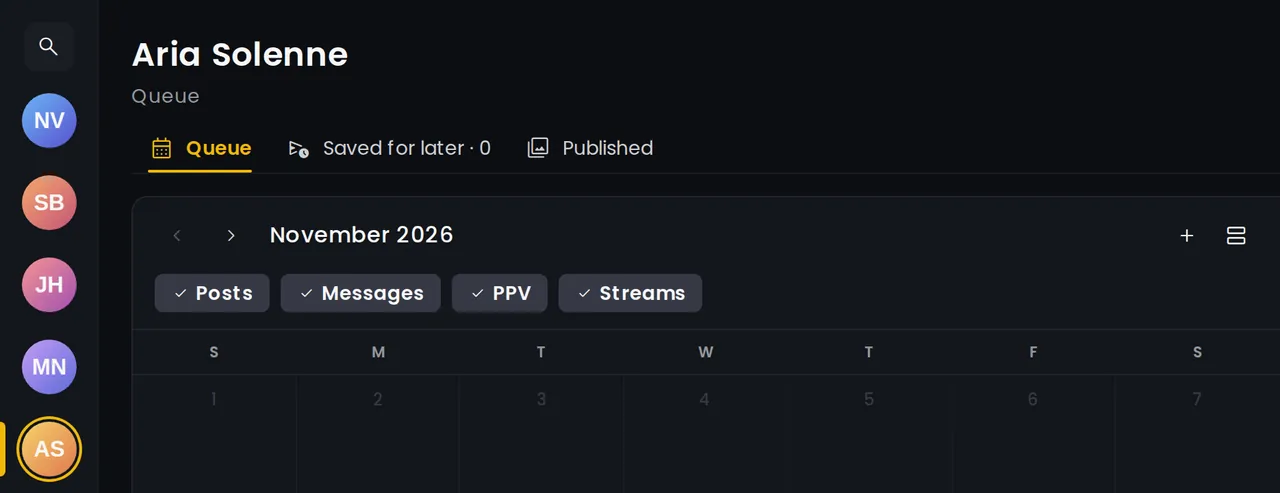
- Open Queue.On a computer it is under Content in the top bar; on a phone, in the menu.
- Pick the creator.Only connected creators are listed. The calendar shows what is scheduled for her, day by day.
- Click Add new, the + at the top of the calendar.
Set when it goes out#
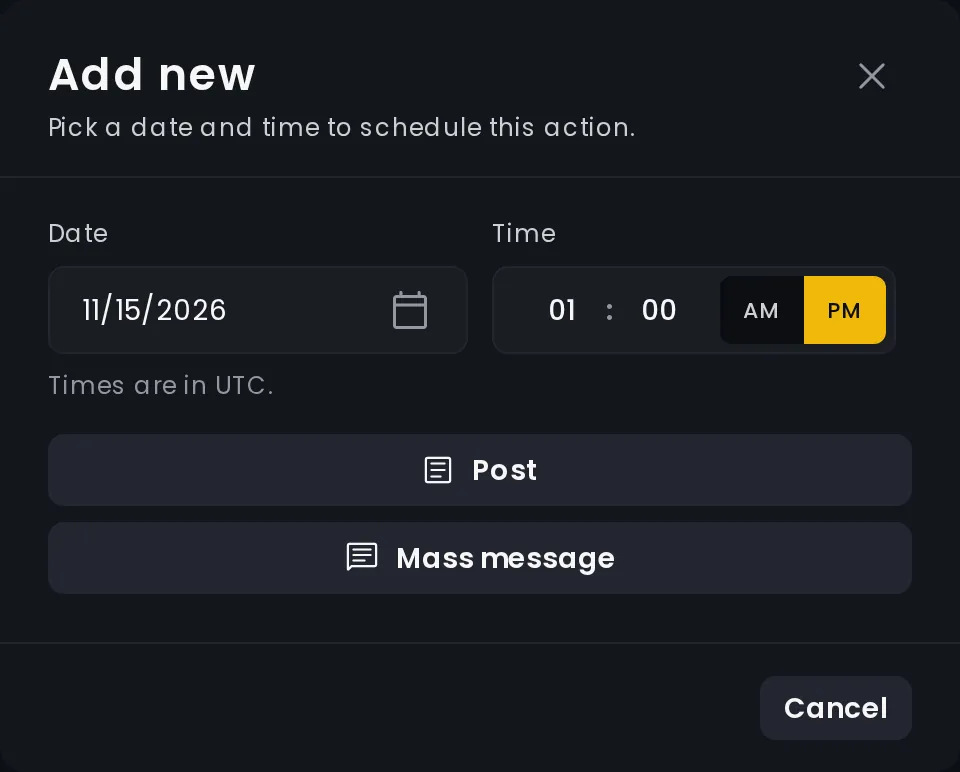
- Set the Date and Time the post goes out.The line under them shows the time zone, which is your agency’s. You can’t pick a past day, and the time must be at least 1 minute from now or Post stays grayed out.
- Click Post.The post editor opens.
Add photos or videos#
- Write the caption in the box.
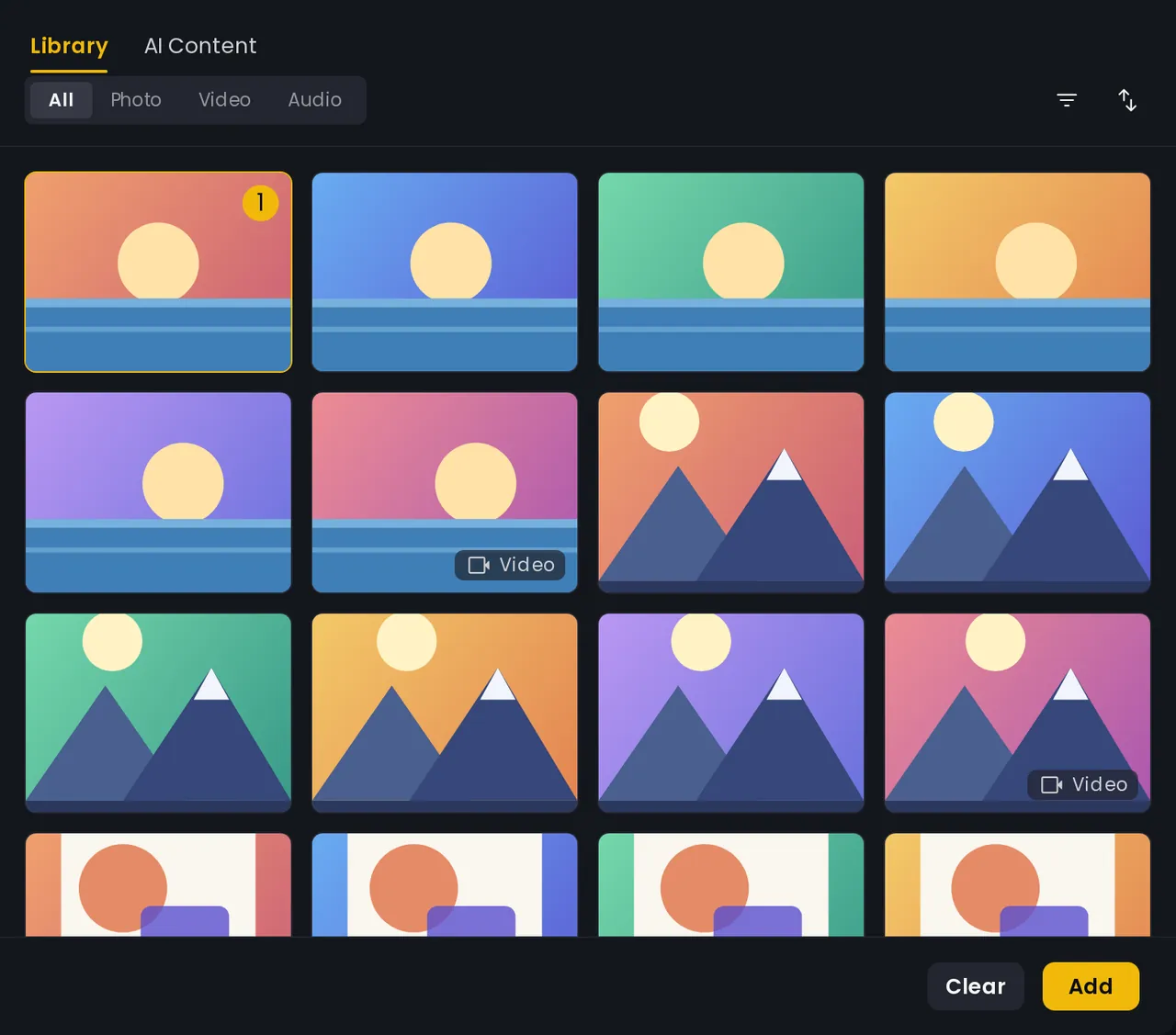
- Click the add media button under the caption.Add from vault opens.
- Click the photos or videos you want in the post.
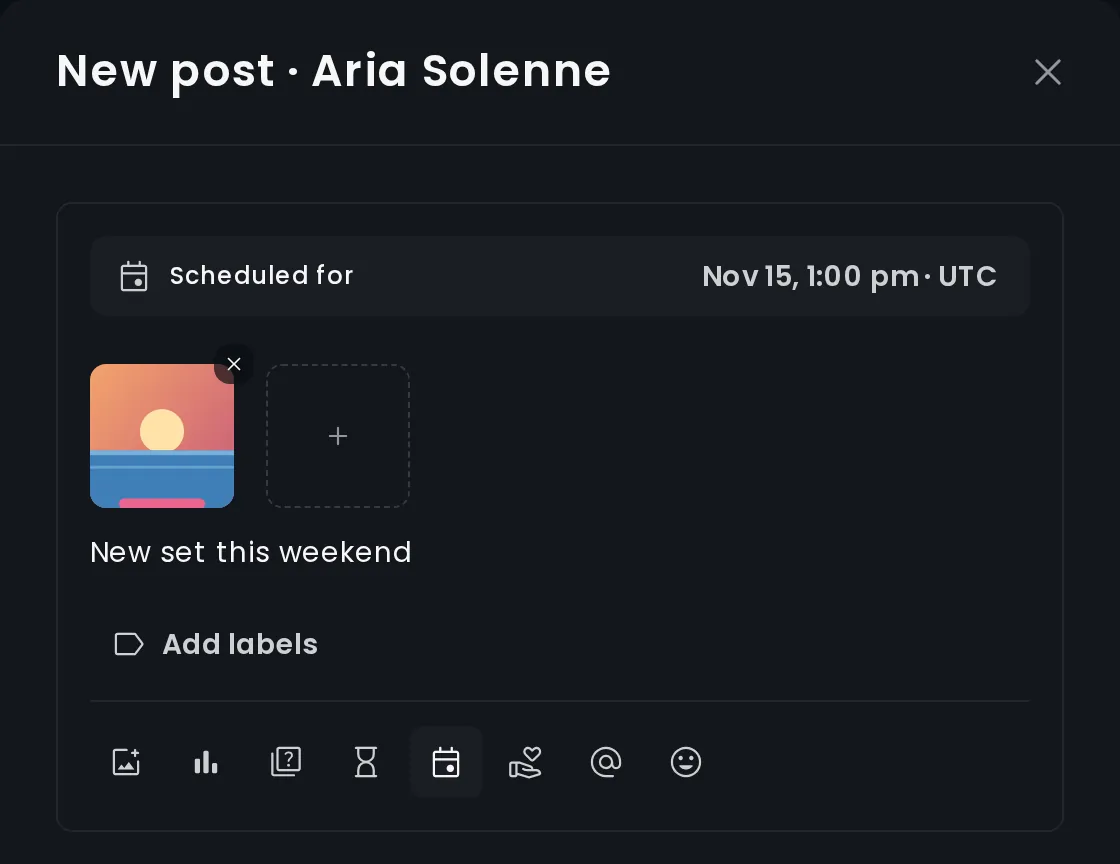
- Click Add.The media shows in the post.
Save it#
- Click Save.The post shows on its day in the calendar.
Good to know#
A post takes media from the vault, up to 40 media with at most 1 audio. If something is missing, Save shows Can’t save yet with what to fix.
Hover it to see why. For example, the creator may show Disconnected.
Common questions#
Change or delete a scheduled post
Open the menu on it in the calendar. It has Edit post, Publish now and Delete post. Edit post and Delete post only show if OnlyFans allows it for that post. A post that goes out in less than 1 minute can’t be edited or deleted. Deleting needs the Delete posts permission.
Schedule a mass message
The calendar also shows messages, PPVs and streams scheduled on OnlyFans. Mass message in Add new takes you to Mass messages to schedule one there. It needs the Send mass messages permission.
Line up posts without a date
Use the Saved for later tab. Turn on Auto-publish, pick how often and a Start at time, and VENUZ publishes them for you in order. It needs the Manage custom schedule permission.
See what’s already on her feed
The Published tab shows the posts already on her OnlyFans feed, pinned posts first.
Pick the creator on a phone
When no creator is picked, the list of creators opens. Tap the creator to see her calendar.
Where to go next
Couldn’t send that. Try again.
Still stuck?
Write to us and a person from the VENUZ team answers. Tell us the creator and what you were trying to do.