
Leave fans out of a mass message
Pick lists in the Exclude tab and their fans don’t get that mass message. For a mass PPV, use Exclude and Fan protection.
Before you start
- Who can do this
- Owners and Admins, or anyone with the Send mass messages permission
- Works on
- A computer or a tablet
Start a new message#
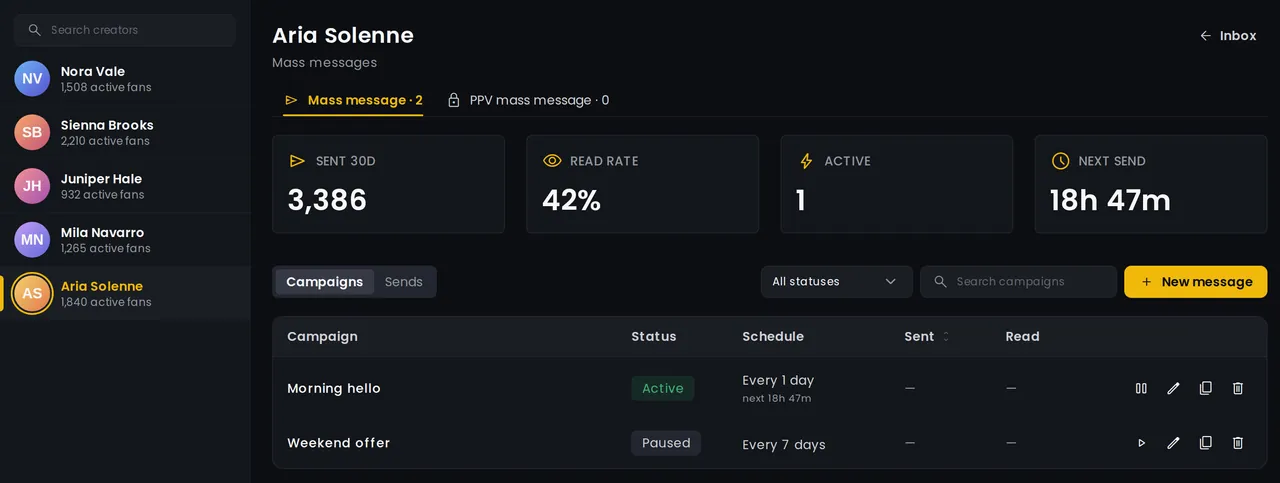
- In the top bar, open Growth → Mass messages.
- Pick the creator in the list on the left.
- Click New message.The New mass message panel opens.
Pick who gets it and who doesn’t#
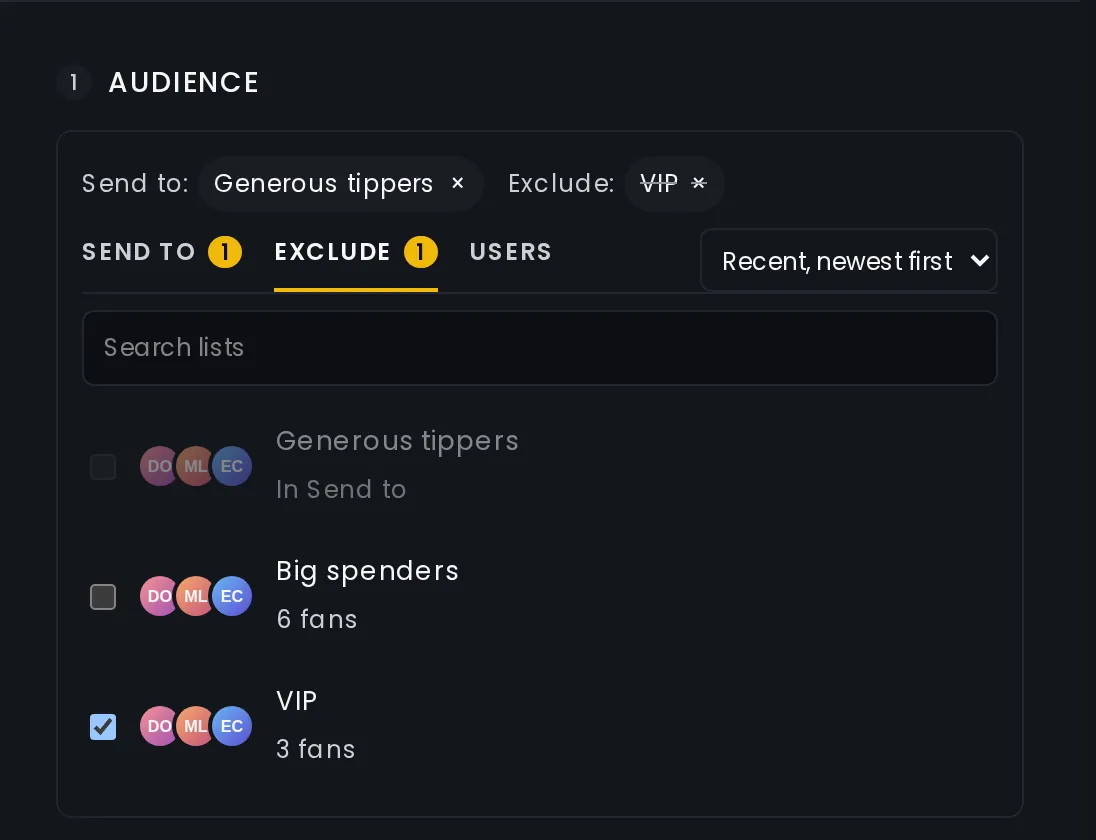
- Under Audience, stay on the Send to tab.
- Pick the lists that get the message.What you pick shows above the tabs.
- Click the Exclude tab.It shows the same lists.
- Pick the lists to skip.Fans in them don’t get this message. A list can’t be in Send to and Exclude at the same time.
Check it and send#
- Under Message, write the text and choose when it goes out, as usual.
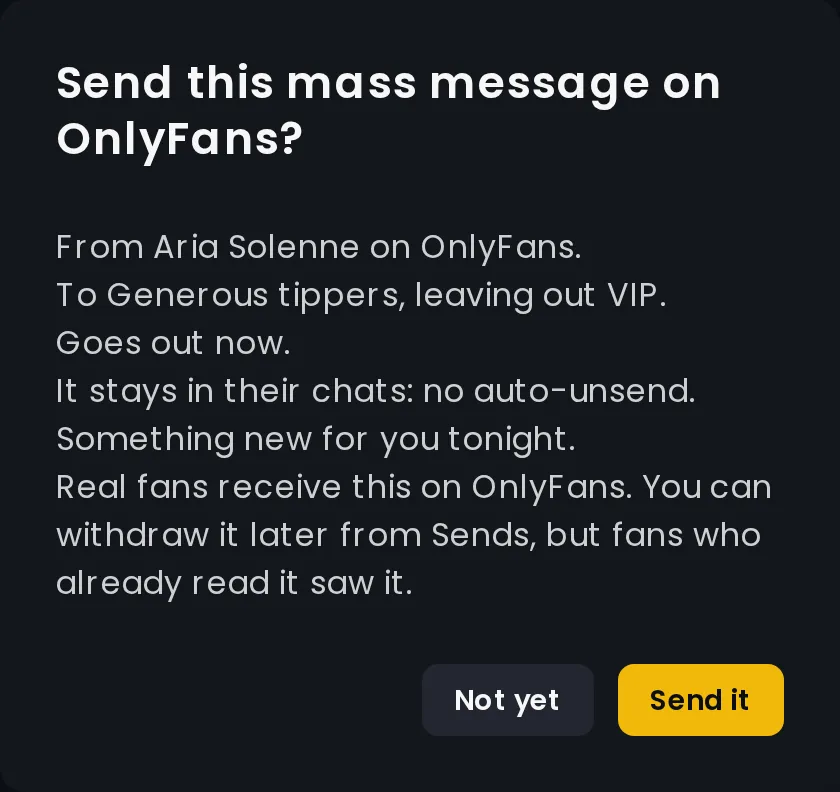
- Click Send.Before it goes out, VENUZ shows the lists it goes to and the ones it leaves out.
- Click Send it to send it on OnlyFans, or Not yet to go back and change it.
In a mass PPV#
In a mass PPV (PPV mass message, then New PPV send), the Lists & prices step has the same list picker. Pick the lists to skip in its Exclude tab.
Under the rows, Skip fans who already bought this content leaves out the fans VENUZ knows already bought it. Don’t re-send to fans who got it before and didn’t buy leaves out the fans who got it and didn’t buy. Both are on by default.
Common questions#
Leave fans out of a recurring mass message
A recurring mass message has a Leave out box that does the same.
Exclude doesn’t let me pick anything
Recent and the Users tab can’t be combined with other lists, so nothing can be picked in Exclude while you use them.
Limit how often fans get a paid mass PPV
Fan protection, in the Recurring tab of PPV mass message, does it. By default it is 1 every 7 days. It works by list. A list that already got that many paid mass PPVs from this creator in that time is left out of the next one.
Who can change Fan protection
Fan protection is one setting for your whole agency. Changing it needs the Automate mass messages permission.
Where to go next
Couldn’t send that. Try again.
Still stuck?
Write to us and a person from the VENUZ team answers. Tell us the creator and what you were trying to do.