
Set up a creator so Calypso sounds like her
Fill in a creator’s Profile in Creators: who she is, her type of voice and how she texts. Calypso uses it whenever it chats with her fans.
Before you start
- Who can do this
- Owners and Admins, or anyone with the Monitor Calypso permission to open her profile, and Manage Calypso settings to change it
Open her profile#
- In the top bar, open Creators.
- Click the creator in the table. Her Profile opens.
Check who she is#
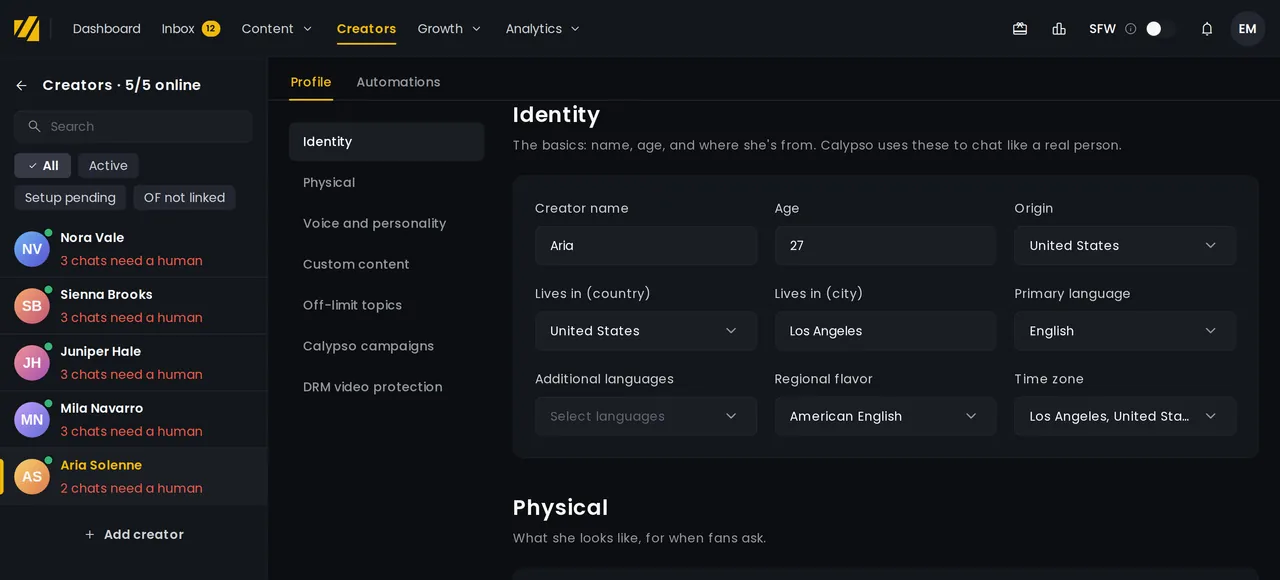
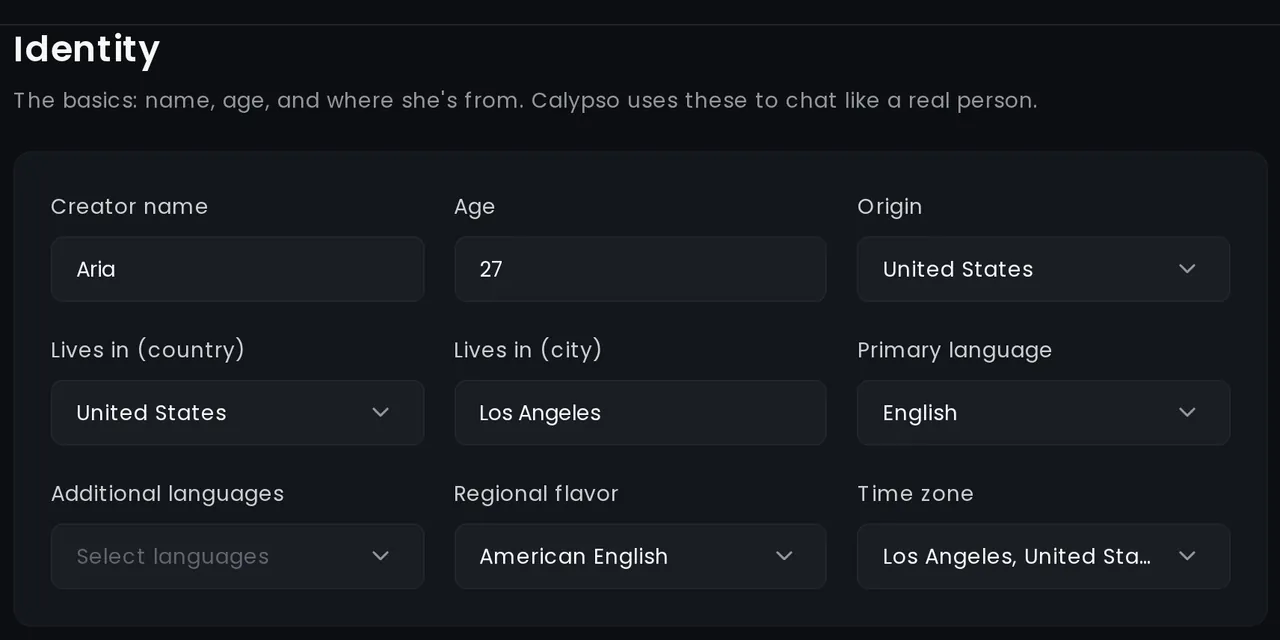
- Check Identity: Creator name, Age, where she lives and her Primary language.Calypso chats under her name and replies in her primary language by default.
- Set Time zone so Calypso knows what time it is for her.If her primary language is English or Spanish, also set Regional flavor: Calypso then uses her local words.
Choose her type of voice#
- Click Voice and personality in the list on the left.
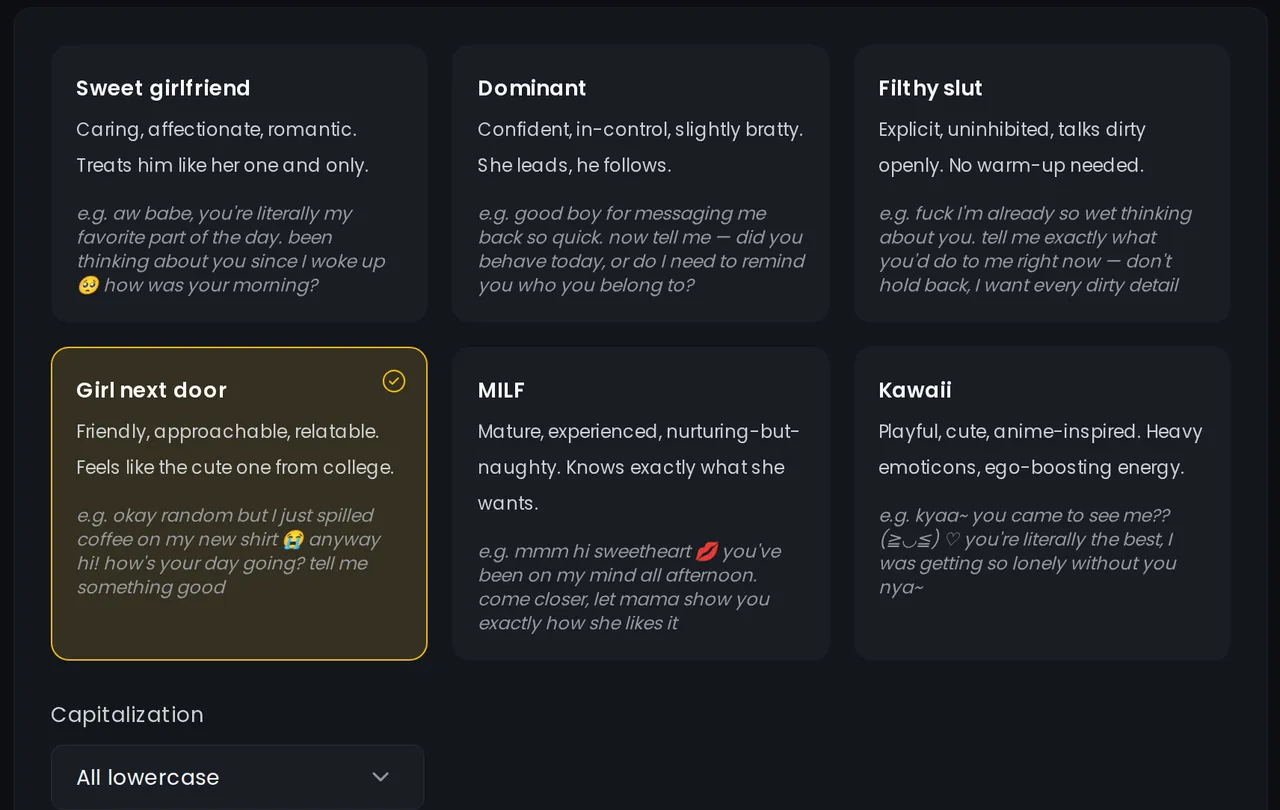
- Pick the type of voice closest to hers, for example Girl next door.Each card shows an example message in that voice.
- Under Capitalization, choose whether she texts in all lowercase or in sentence case.Calypso writes its messages that way.
Add what makes her her#
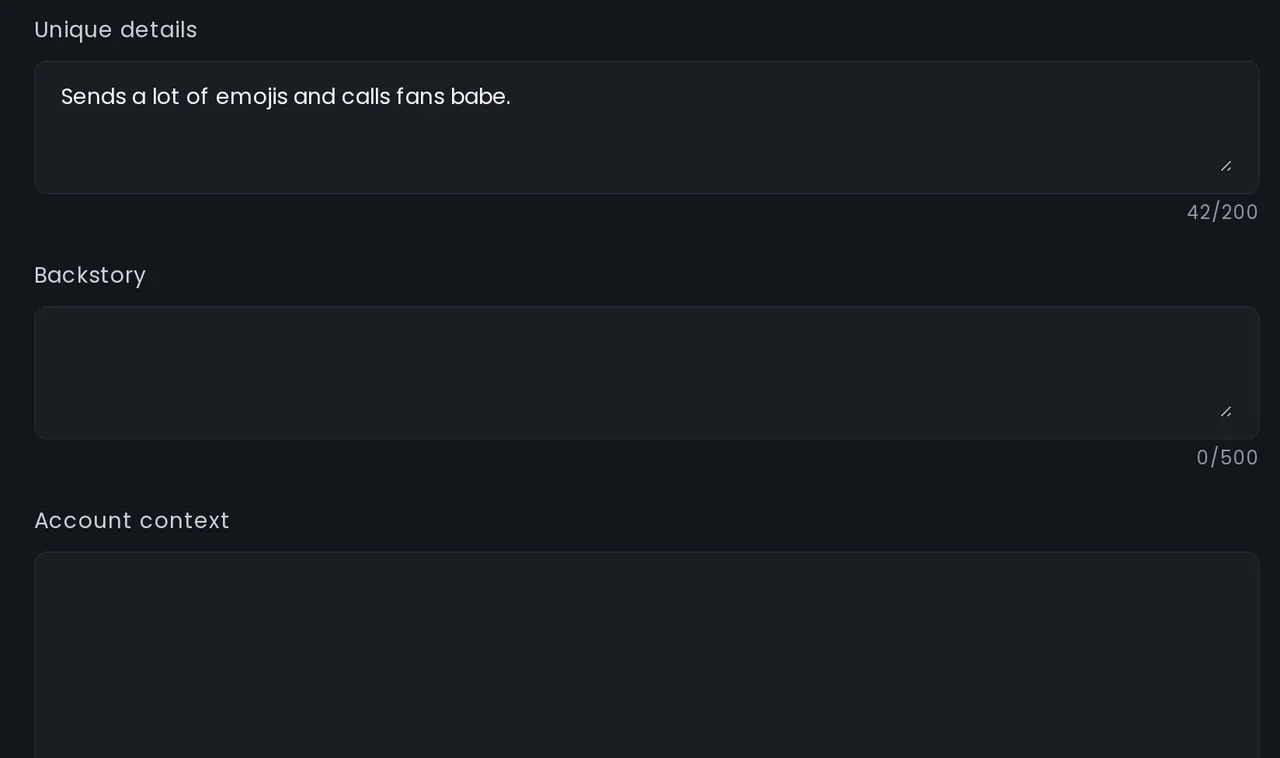
- In Unique details, add what makes her texting her own.Calypso adds it to her type of voice.
- Use Backstory for her story and daily life, and Account context for facts about her account.Calypso uses both to stay consistent with them.
- Click Save.You see Creator configuration saved.
Good to know#
If something is missing in any section, VENUZ tells you how many errors to fix and takes you to the first one.
Under Physical, add 3 to 5 Photos of her and a Physical description. Calypso uses the photos to recognize her in her own content, and the description when fans ask how she looks.
Save her photos before you save her profile.
Common questions#
Calypso replies in other languages
Add them by name under Additional languages. Choosing All languages there does not change how it replies.
Leave without saving
Click Cancel in the bar at the bottom. Save as draft keeps your changes on this computer to finish later, and Discard changes drops them.
Where to go next
Couldn’t send that. Try again.
Still stuck?
Write to us and a person from the VENUZ team answers. Tell us the creator and what you were trying to do.