
Build the sets Calypso sells
A set is a group of media Calypso sells together. Create it in a collection, add media, and check what it still needs so Calypso can sell it.
Before you start
- Who can do this
- Owners and Admins, or anyone with the Organize the vault permission to create sets, add media and see what a set still needs, and Set content prices to put a set on sale
Open her Calypso Library#
- In the top bar, open Content → Calypso Library.
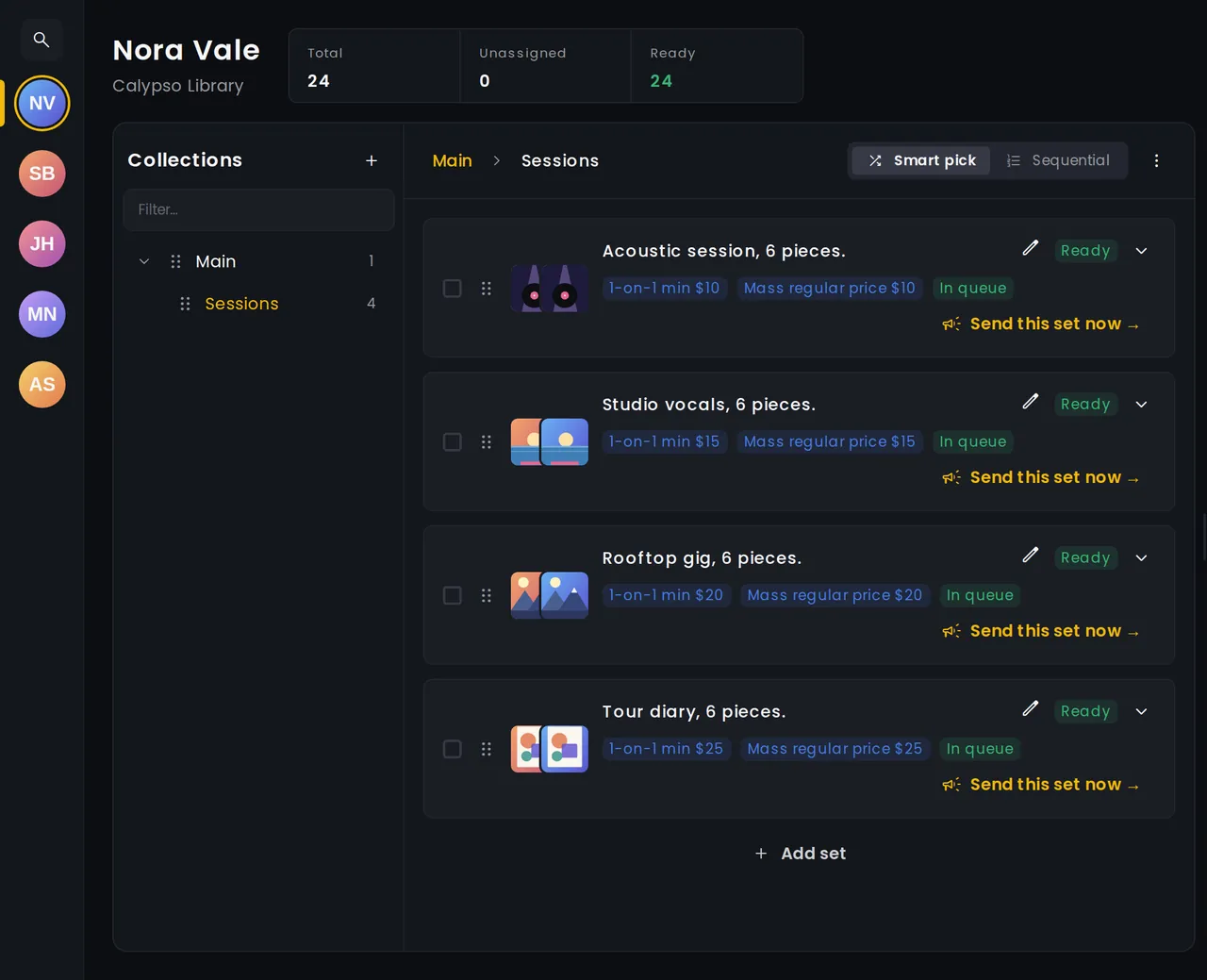
- Pick the creator in the list on the left.Her first collection opens.
- Click Add set.The New set window opens.
Create the set#
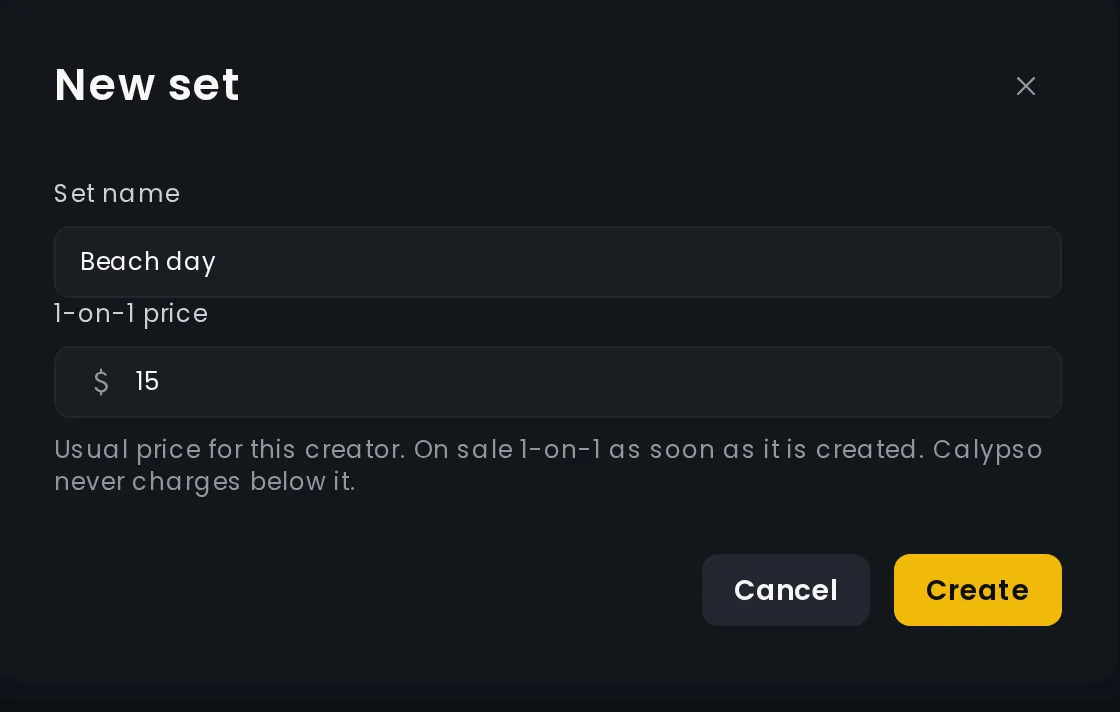
- Type a Set name, for example Beach day.
- Check the price.VENUZ suggests one from her other sets, if she has any. Leave it empty to keep the set off sale.
- Click Create.The new set appears in the collection.
Add media to it#
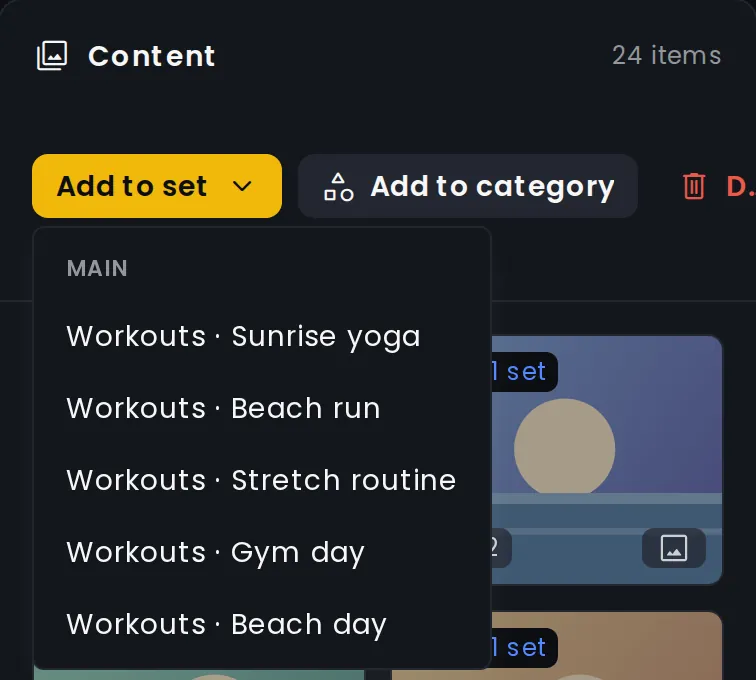
- In Content on the right, point at a photo or video and click the circle in its corner.You can select several.
- Click Add to set.
- Pick the new set to add the media.
Check what it still needs#
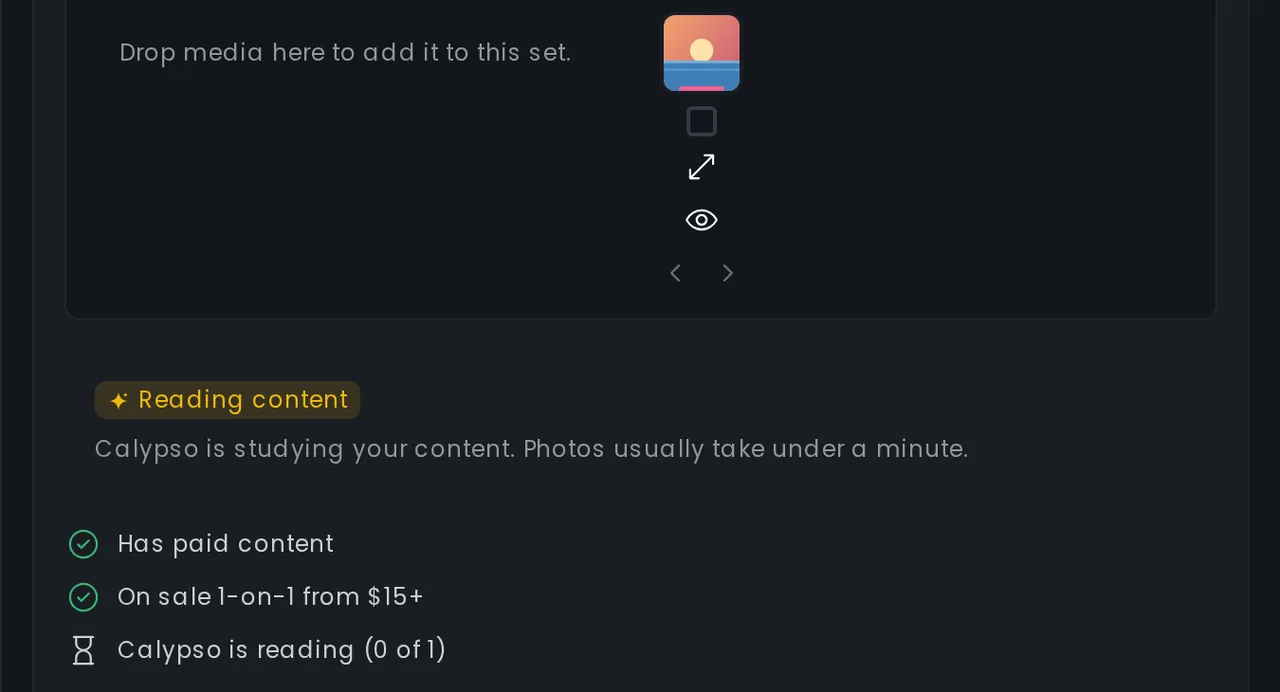
- Click the set to open it.Each photo or video sits under Price to view, what the fan pays for, or Free preview, what the fan sees for free.
- Read the list under the media.It says what the set still needs: paid content, a price, and Calypso reading all of its media. When nothing is missing, the list goes away.
Good to know#
To turn Calypso on for a creator the first time, she needs at least 3 collections, each with 3 or more sets that are on for 1-on-1 PPV or Mass PPV and hold at least one photo or video Calypso can send.
Sequential, at the top of a collection, sends its sets in order, as levels. Smart pick doesn’t. A new set in a Sequential collection has no name, only a price. It’s the next level.
Deleting a collection removes its sets for good, but your media stays in the vault. Deleting a folder moves its collections to No folder.
Common questions#
Move a photo or video to Free preview
Open the set and click Mark as free preview or Mark as paid under the photo or video. It applies in every set that has it and needs the Upload & edit content permission.
How much media a set can hold
Up to 40 media, with at most 1 audio.
The set says Reading content
Calypso is still reading its new media.
Make a folder or a collection
To make a folder, click the + next to Collections. To make a collection, open a folder’s menu and choose Add collection.
Where to go next
Couldn’t send that. Try again.
Still stuck?
Write to us and a person from the VENUZ team answers. Tell us the creator and what you were trying to do.