
Team results and the Calypso leaderboard
The Team tab shows what each person on your team sold and how they chat. The Calypso leaderboard ranks agencies on VENUZ by net Calypso sales.
Both pages are for a computer or a tablet.
The Team tab#
Open Analytics → Earnings and click Team. It counts only what people on your team sell and send from VENUZ. Calypso’s sales are on the Calypso tab.
- Key numbers: what your team sold and how it chats. Each one is explained below.
- A chart of what the team sold each day.
- Sales ranking: your team’s biggest sellers in the period, with what each sold and their share of the team’s sales.
- Chatting statistics: one row per person. Filters narrows it by Members. Pick creators in the list on the left. Show chatter role only keeps people with the Chatter role, and Clear filters removes the member filter. You can export the table.
- Sales: every tip and PPV in the period and who sold it, if your role can see all analytics. A PPV shows as Message.
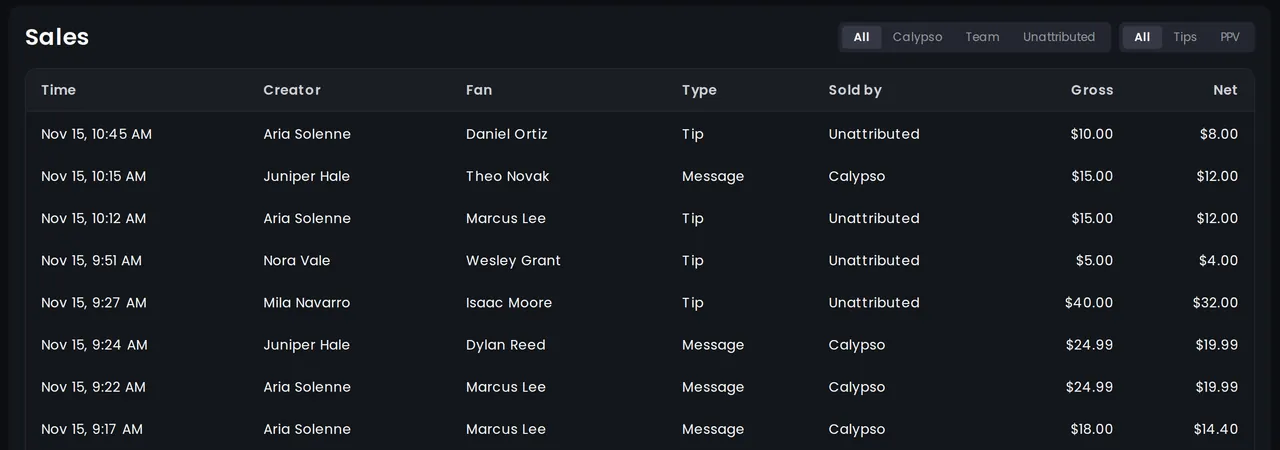
If your role can only see your own numbers, the tab shows Your sales instead of Team sales, with your numbers only.
What the key numbers mean#
- Team sales: the PPVs unlocked and tips credited to your team.
- Revenue per message: team sales divided by the one-to-one messages your team sent.
- Revenue per fan chatted: team sales divided by the fans your team messaged one to one.
- Unlock rate: of the PPVs your team sent in chat, the share fans paid to unlock.
- PPV share: PPVs sent as a share of one-to-one messages. It tells you how often your team offers a PPV.
- Fan conversion: of the fans your team messaged one to one, the share who bought a PPV or sent a tip.
- Fans chatted: the fans your team messaged one to one, each counted once.
- Revenue per paying fan: team sales divided by the fans who bought something credited to your team.
- Avg response time: how long a fan waits for an answer from your team, on average.
Who gets credit for a sale#
- A PPV goes to the person who sent it from VENUZ, on the day the fan unlocks it.
- A tip that isn’t Calypso’s goes to the person who sent the creator’s last message in the 30 days before it.
- PPVs sent from outside VENUZ or in mass messages aren’t credited to anyone on the team.
- A tip isn’t credited either when that last message came from Calypso, a mass message or outside VENUZ. The same goes when the creator sent no message in that time.
The Calypso leaderboard#
Click Calypso leaderboard in the top bar, or View leaderboard on the Dashboard. It ranks agencies on VENUZ by Net Calypso sales: only sales Calypso made, after OnlyFans’ fee. It doesn’t rank people on your team.
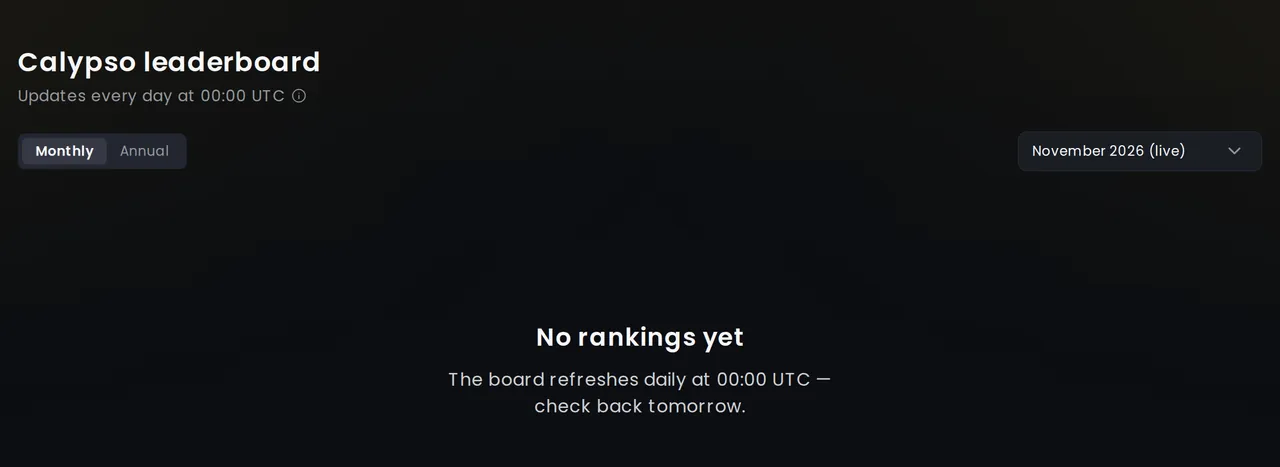
- Monthly and Annual switch between a month and a year. The current one is marked (live).
- The table shows the top agencies with Agency, Creators (the creators the agency runs Calypso on), Net Calypso sales and, for the current month, Today (places moved since yesterday’s update). Your agency is marked You.
- Your rank shows your place. Until a daily update counts net Calypso sales for your agency in the period, it says Not ranked yet.
- Medals counts your top-3 finishes in past months.
Today’s sales show up on the board after the next daily update.
Show your agency’s name#
Other agencies see your agency as Hidden agency unless you turn on Show my agency name on the board. Only someone who can manage settings and has access to all creators can change it, and turning it on asks you to confirm.
Which sales count as Calypso’s is explained in What counts as a Calypso sale.
Where to go next
Couldn’t send that. Try again.
Still stuck?
Write to us and a person from the VENUZ team answers. Tell us the creator and what you were trying to do.