
Set what Calypso will and won’t do for a creator
Mark what a creator won’t do in custom content and the topics Calypso avoids with her fans. Anything you leave unmarked, Calypso treats as negotiable.
Before you start
- Who can do this
- Owners and Admins, or anyone with the Monitor Calypso permission to open her profile, and Manage Calypso settings to change it
Open her profile#
- In the top bar, open Creators.
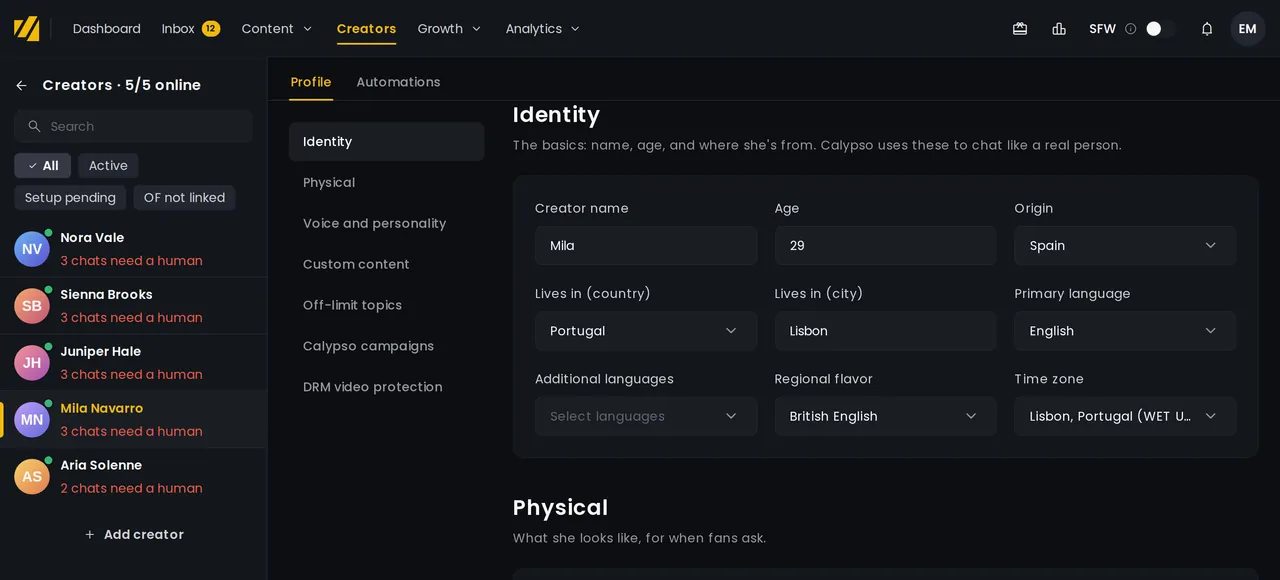
- Click the creator in the table. Her Profile opens.
Mark what she won’t do in customs#
- Click Custom content in the list on the left.
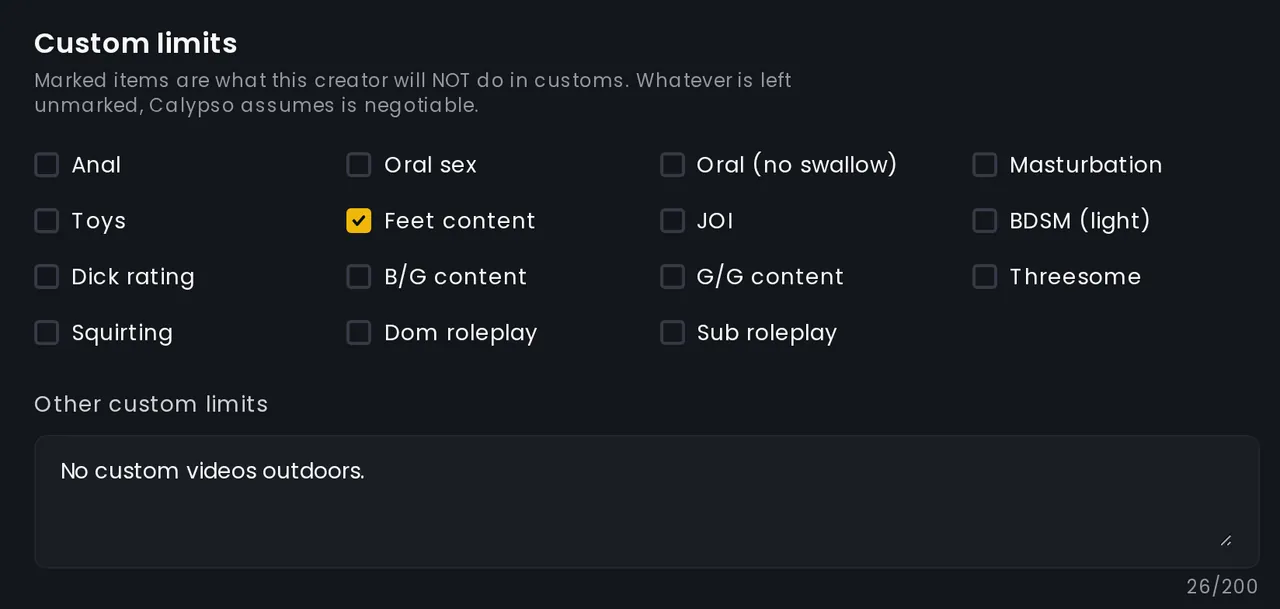
- Under Custom limits, mark each thing she will not do in a custom, for example Feet content.Calypso turns down or redirects a custom that asks for it.
- In Other custom limits, write anything else she won’t do that is not on the list.Calypso respects it when it agrees a custom. Up to 200 characters.
Add topics Calypso avoids#
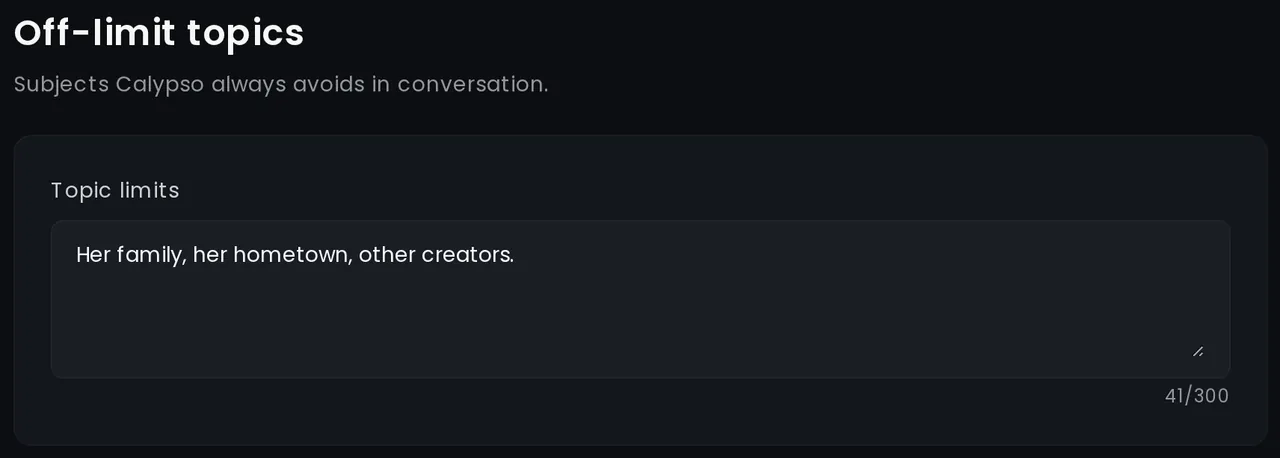
- In Off-limit topics, write in Topic limits the subjects Calypso avoids with her fans.They apply to every chat, not only to customs. Up to 300 characters.
- Click Save.You see Creator configuration saved.
Good to know#
There is no list of what she will do
Calypso treats anything you leave unmarked as negotiable.
Save checks her whole profile
If something is missing in any section, VENUZ tells you how many errors to fix and takes you to the first one.
Common questions#
She does not take custom requests at all
Turn off Offers customs under Custom pricing, in the same section, and save. Calypso then turns down every custom request.
Leave without saving
Click Cancel in the bar at the bottom. Save as draft keeps your changes on this computer to finish later, and Discard changes drops them.
Where to go next
Video · 0:58Set up a creator so Calypso sounds like herVideo · 0:48Set prices and minimums Calypso respects
Did this answer your question?
Sorry about that. What went wrong?
Couldn’t send that. Try again.
Still stuck?
Write to us and a person from the VENUZ team answers. Tell us the creator and what you were trying to do.