
Use the Master Inbox across all creators
Master is the Inbox tab that lists every chat that needs a person, from all your creators. Here is how to narrow, sort and work it.
Before you start
- Who can do this
- Owners and Admins, or anyone with the View conversations permission. You see the connected creators you have access to
Open Master#
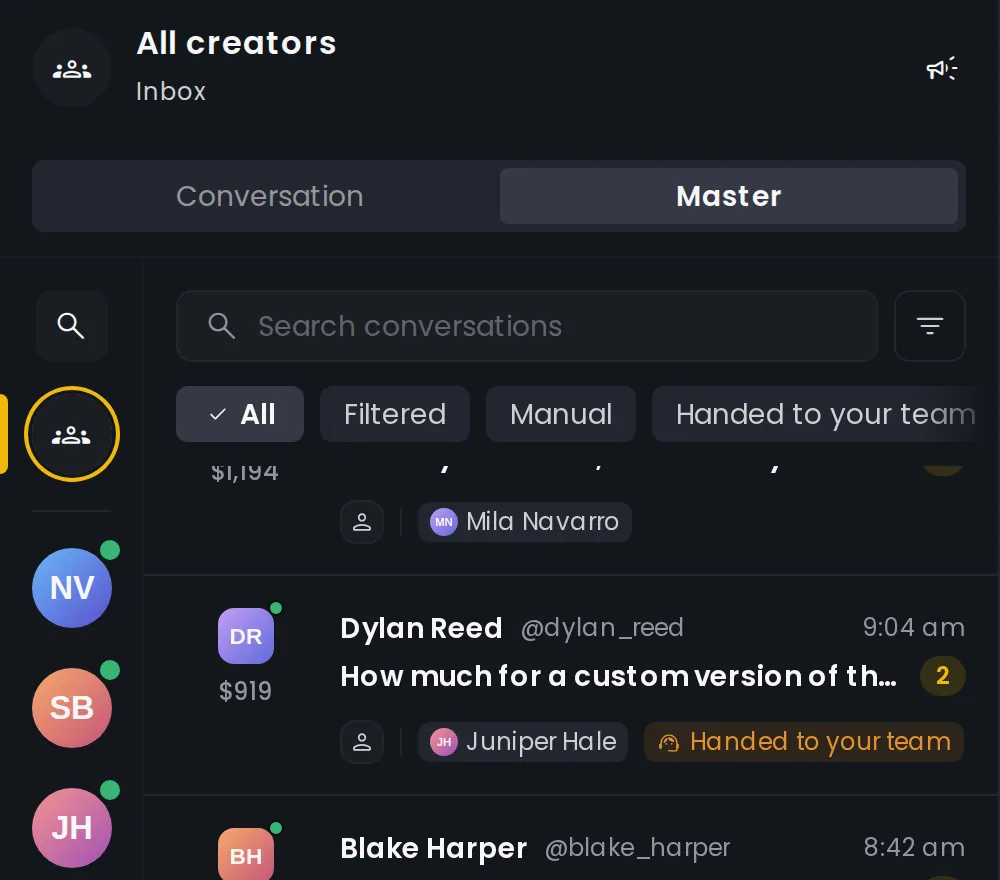
- Open the Inbox and click Master.With All creators selected, you see the chats of every creator together.
- Look at why each chat is here.Master lists only the chats that need a person, each with its creator. Chats Calypso passed to your team are marked Handed to your team.
Narrow the list#
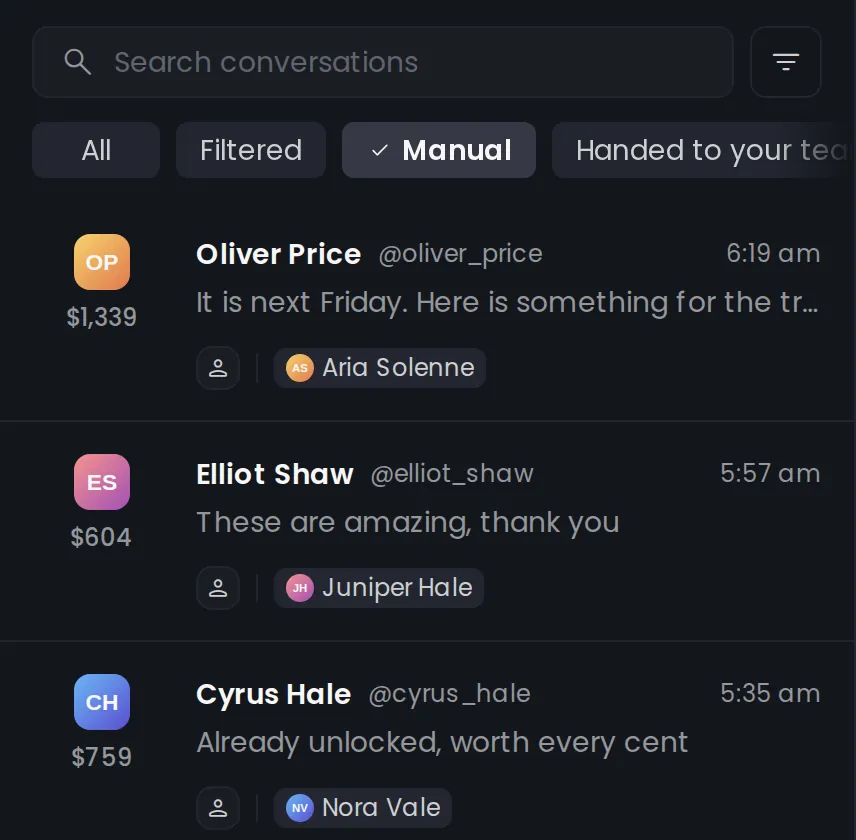
- Click Manual to see only the chats someone on your team took over.
Sort the list#
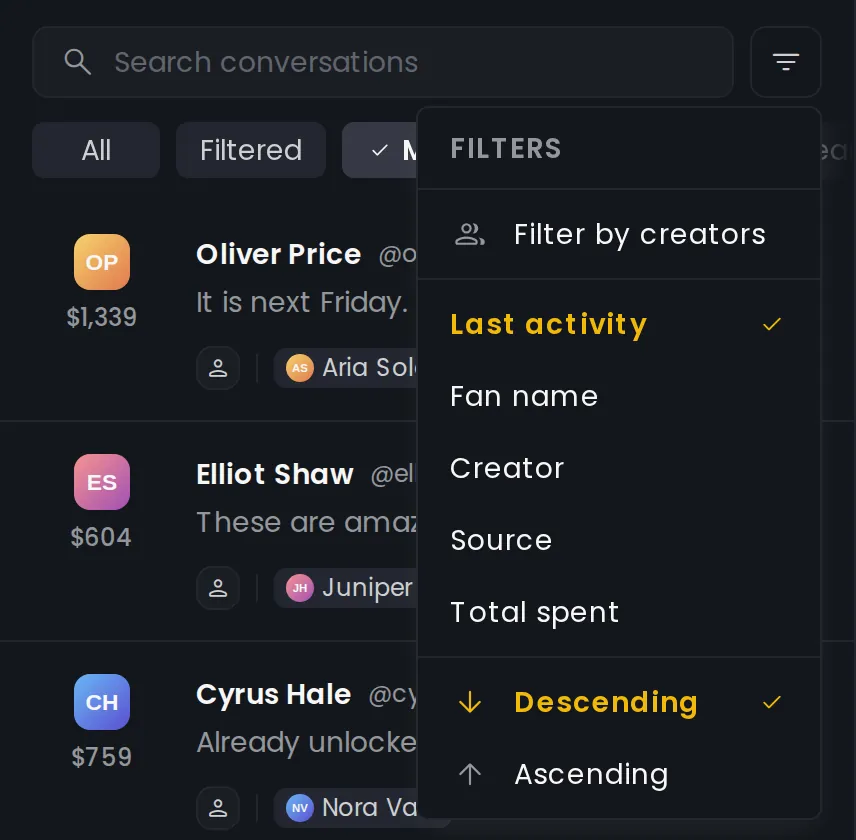
- Click Filter next to the search box.
- Choose Total spent to sort the chats by how much each fan has spent.
- Close the menu to see the list in its new order.
Reply from Master#
- Open a chat to read it and reply.When you reply from Master, you reply as the creator of that chat.
A chat comes to Master when Calypso hands it to your team, when someone on your team takes it over, or when the creator’s filter sends the fan to your team. A fan waiting for a reply also appears when Calypso is off, not set up or suspended for the creator. The chips All, Filtered, Manual, Handed to your team and Calypso off show each group.
Common questions#
See one creator only
Pick her in the list on the left. On a phone, tap the creator name at the top of the list. All creators brings everyone back.
See the chats Calypso is handling too
Master only lists the chats that need a person. To see every chat of a creator, switch to Conversation and pick the creator.
Where to go next
Couldn’t send that. Try again.
Still stuck?
Write to us and a person from the VENUZ team answers. Tell us the creator and what you were trying to do.