
Set prices and minimums Calypso respects
Set a creator’s custom prices in her Profile: lowest price per photo, lowest price for a custom and price per minute of video. Calypso quotes from them.
Before you start
- Who can do this
- Owners and Admins, or anyone with the Monitor Calypso permission to open her profile, and Manage Calypso settings to change it
Open her profile#
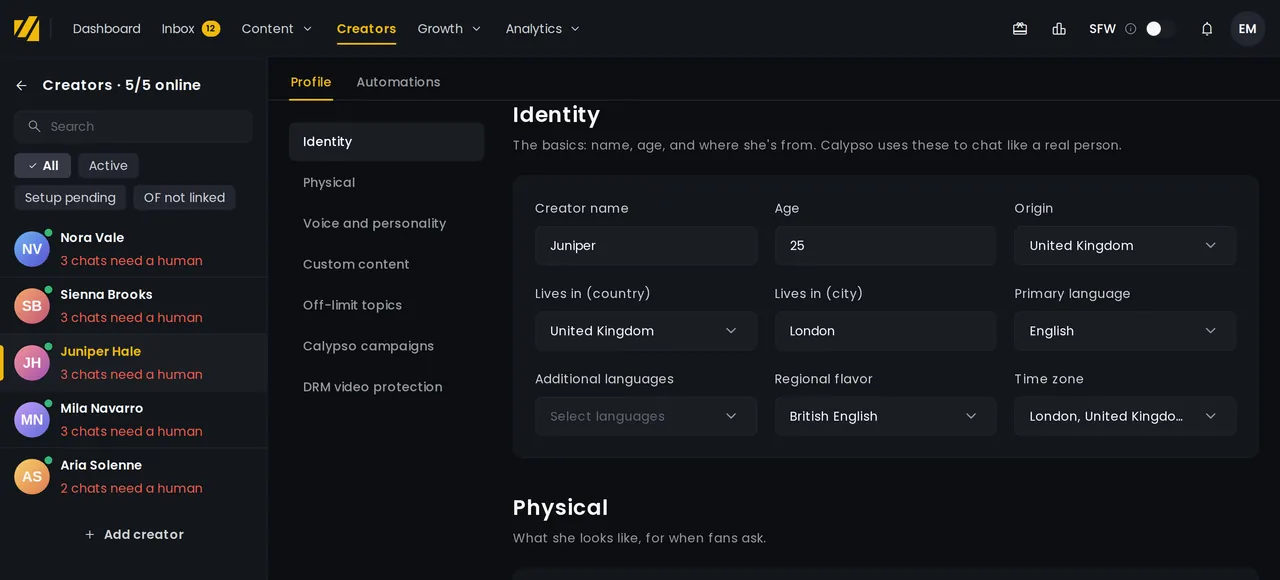
- In the top bar, open Creators.
- Click the creator in the table. Her Profile opens.
Go to Custom pricing#
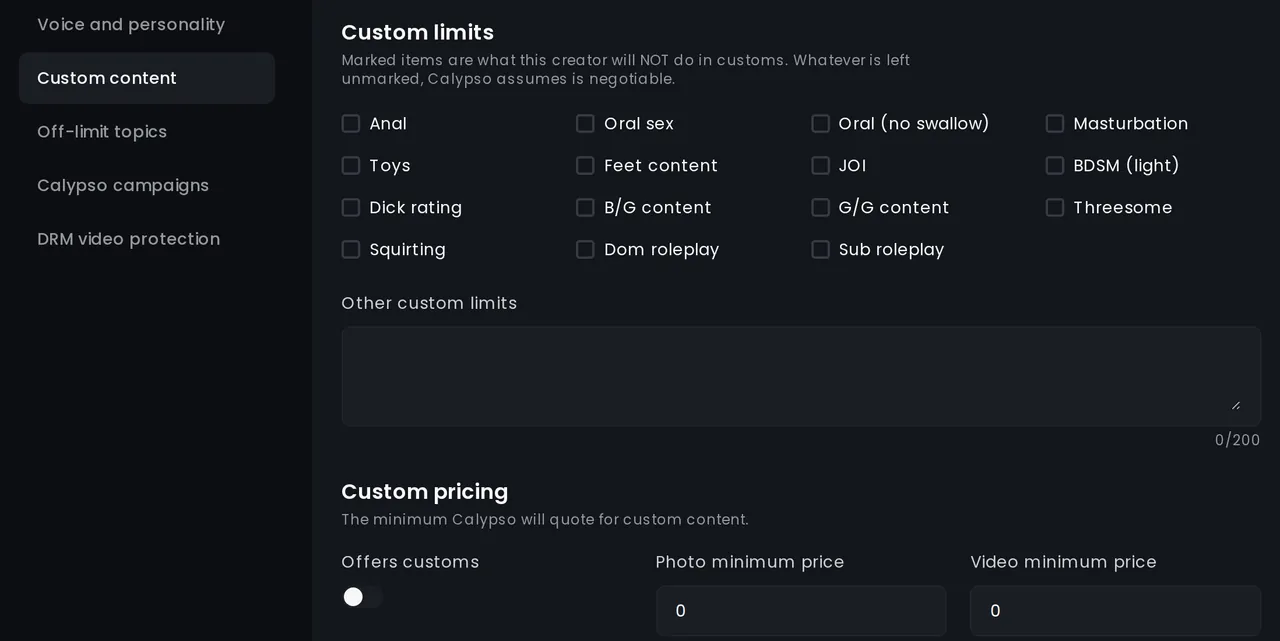
- Click Custom content in the list on the left, then find Custom pricing.
Set her custom prices#
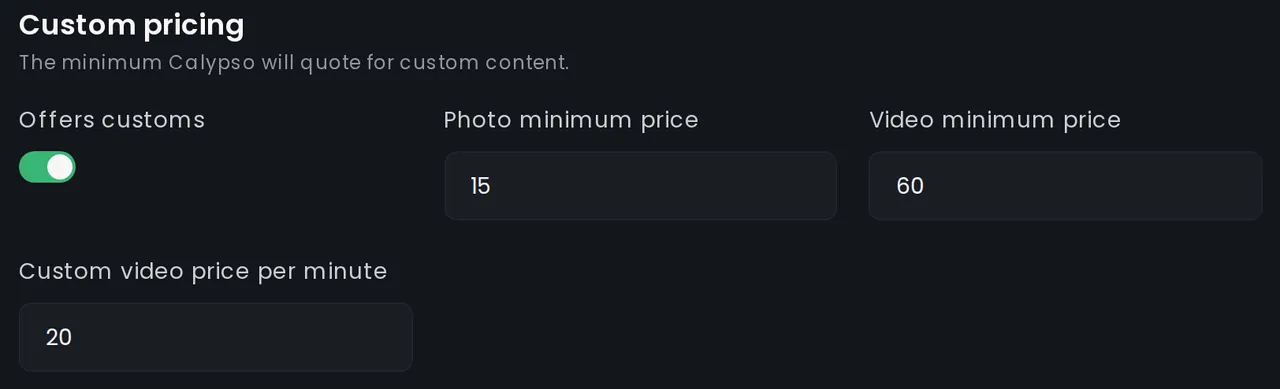
- Turn on Offers customs.With it off, Calypso turns down every custom request.
- In Photo minimum price, type the lowest price she accepts for each photo.Calypso quotes a photo custom as the number of photos times this price, or more.
- In Video minimum price, type the lowest price she accepts for a video custom.
- In Custom video price per minute, type her price for each minute of video.Calypso does not quote a video below the minimum.
- Click Save.You see Creator configuration saved.
Good to know#
Calypso applies the Video minimum price to every custom, photos too. Keep it at or below the cheapest custom you want to sell.
Each set in Content → Calypso Library that is on for 1-on-1 PPV has its own 1-on-1 minimum price. Calypso does not sell that set below it. Free messages stay free.
If something is missing in any section, VENUZ tells you how many errors to fix and takes you to the first one.
Common questions#
Say what she can film and how fast
With Offers customs on, Custom production shows under Custom pricing. There you say what she can film and how fast.
Stop taking custom requests
Turn off Offers customs and save. Calypso then turns down every custom request.
The highest price you can type
$10,000 for each of the three prices.
Set the lowest and highest price of a paid message
They come from her OnlyFans account, not from VENUZ. Calypso keeps the price of a paid message between them.
Leave without saving
Click Cancel in the bar at the bottom. Save as draft keeps your changes on this computer to finish later, and Discard changes drops them.
Where to go next
Couldn’t send that. Try again.
Still stuck?
Write to us and a person from the VENUZ team answers. Tell us the creator and what you were trying to do.